
Administrative Assistant Resume Playbook: ATS Keywords, Achievement Bullets and 2026 Samples
Administrative Assistant Resume Playbook: ATS Keywords, Achievement Bullets and 2026 Samples
Written by Armen Mkhitaryan
Why many administrative assistant resumes fail and what hiring teams want
Problem-first summary
Many admin resumes read like task lists that could describe any office. That makes it hard for ATS systems and hiring managers to see impact.
What hiring teams look for
- Evidence of measurable support: hours saved, invoices processed, meetings coordinated
- Clear technical skills: calendar tools, Excel, Google Workspace, CRMs
- Demonstrated reliability and discretion when supporting stakeholders
- Progression in responsibility (temporary roles framed with outcomes rather than dates)
Quick promise
This playbook gives ATS keywords, achievement bullets you can drop in, a full 2026 sample resume, and industry-specific phrasing for healthcare, legal, tech and remote roles.
What to include on an administrative assistant resume (practical checklist)
Core sections to prioritize
- Contact and LinkedIn headline
- Targeted summary or objective with 1-2 achievements
- Core skills and ATS keywords
- Professional experience with achievement bullets and metrics
- Tools and technical skills
- Education and applicable certifications
Key deliverables to name on the resume
- Calendar and travel itineraries
- Meeting agendas and minutes
- Expense reports and invoice processing
- Onboarding packets and vendor communications
- Process templates and filing systems
Work environments and stakeholders to mention when relevant
- In-office, hybrid, remote
- Executives, department managers, HR, finance, external vendors, clients
How to show temporary or contract roles
- Use title + employer + dates, then treat each role as a project with a measurable output
- Highlight handoffs and outcomes (example: reduced invoice backlog by X before handover)
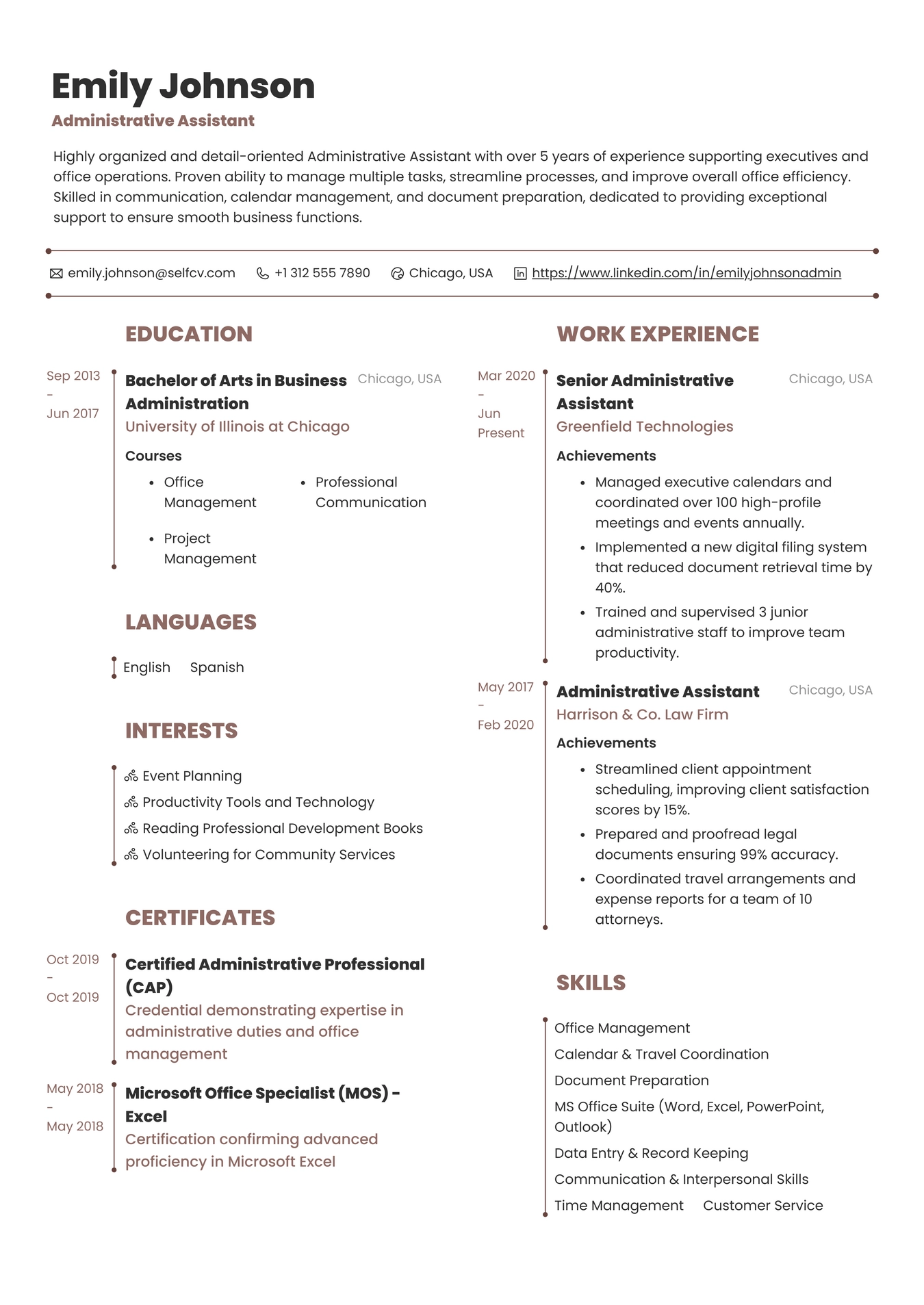
Resume Example for Administrative Assistant
ATS keywords, keyword strategy and resume length guidance
Important ATS keywords to include naturally
- calendar management
- travel coordination
- expense reports
- invoice processing
- document management
- records management
- meeting minutes
- scheduling
- Microsoft Excel
- Microsoft Outlook
- Google Workspace
- CRM
- vendor management
Keyword strategy
- Mirror language from the job posting, using exact phrases where they match your experience
- Include variations once (for example, "calendar management" and "executive calendar management")
- Put core keywords in the skills section and repeat them in at least one experience bullet where true
Resume length
- 1 page for entry-level and most mid-level candidates
- 2 pages for senior/executive assistants with 10+ years or extensive executive support duties
- Use concise bullets and prioritize recent, measurable achievements
Turn duties into achievements: metrics and phrasing that hiring managers notice
General approach
- Start with the action, add the scope, end with the outcome.
- Swap vague verbs for specific ones: coordinated, streamlined, reconciled, implemented, reduced.
Metric ideas to quantify
- Time saved (hours per week/month)
- Volume handled (invoices per month, meetings per week, travel itineraries per quarter)
- Accuracy or error rate improvements (reduction in expense report errors)
- Cost savings (negotiated vendor discounts, optimized travel costs)
Sample achievement patterns
- Coordinated calendars for X managers across Y time zones, reducing scheduling conflicts by Z%.
- Rebuilt travel booking template that cut booking time by X hours per month.
- Processed X invoices monthly with Y% accuracy and a Z-day reduction in payment cycle.
Hiring context note
Hiring managers often look for evidence of production ownership and measurable improvements rather than long lists of routine tasks.
Achievement examples: weak-to-strong admin bullets
Example 1:
Weak:
- Managed executive calendar.
Strong:
- Managed calendar for 3 executives across 4 time zones, coordinating 35+ weekly meetings and reducing double-bookings by 75%.
Why it works:
- Adds scope, frequency and measurable outcome.
Example 2:
Weak:
- Handled invoices and expense reports.
Strong:
- Processed 200+ vendor invoices per month, implemented a three-step review that cut errors by 40% and reduced approval time from 10 to 4 days.
Why it works:
- Shows volume, an implemented process and a quantifiable result.
Example 3:
Weak:
- Organized travel arrangements.
Strong:
- Coordinated multi-city travel for executive team, negotiated preferred rates that saved 18% annually and created a reusable itinerary pack for rapid bookings.
Why it works:
- Demonstrates negotiation, cost impact and a reusable deliverable.
Resume summary and objective examples by career level
Entry-level objective
- Recent administrative graduate with internship experience in office operations, skilled in Google Workspace and calendar management, seeking an entry-level administrative assistant role to apply strong organization and communication skills.
Mid-level summary (2-7 years)
- Administrative Assistant with 4 years supporting cross-functional teams, known for reducing invoice processing time by 50% and managing complex executive calendars. Proficient in Excel, Outlook and Concur.
Senior / Executive administrative summary (7+ years)
- Senior Administrative Assistant with 10 years supporting C-suite executives, led office operations improvements that saved 120 hours annually, and managed travel, vendor contracts and confidential records for a 150-person division.
Career changer objective
- Customer service professional transitioning to administrative support, experienced with scheduling, document handling and customer-facing systems. Trained in Microsoft Office and eager to apply organizational skills to office administration.
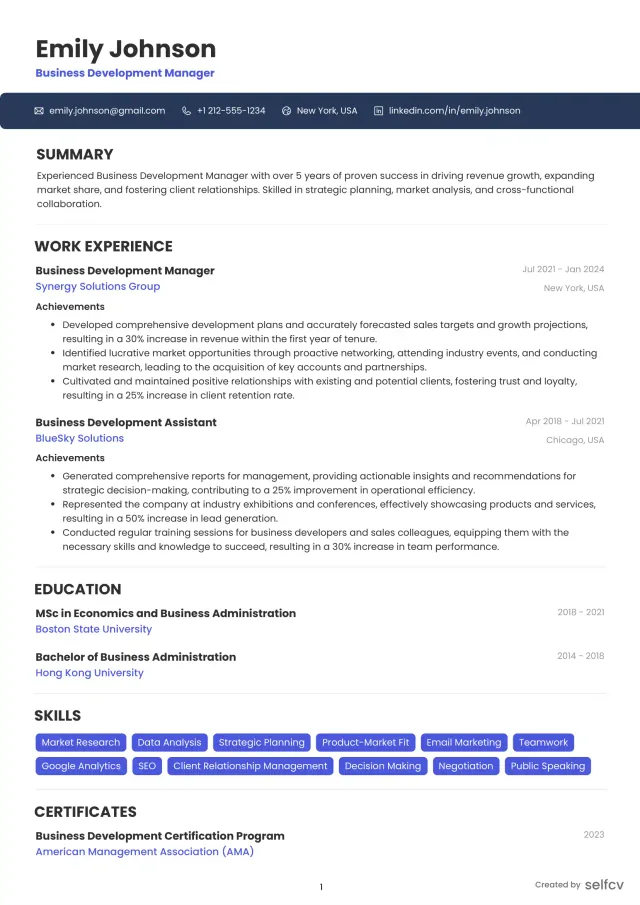
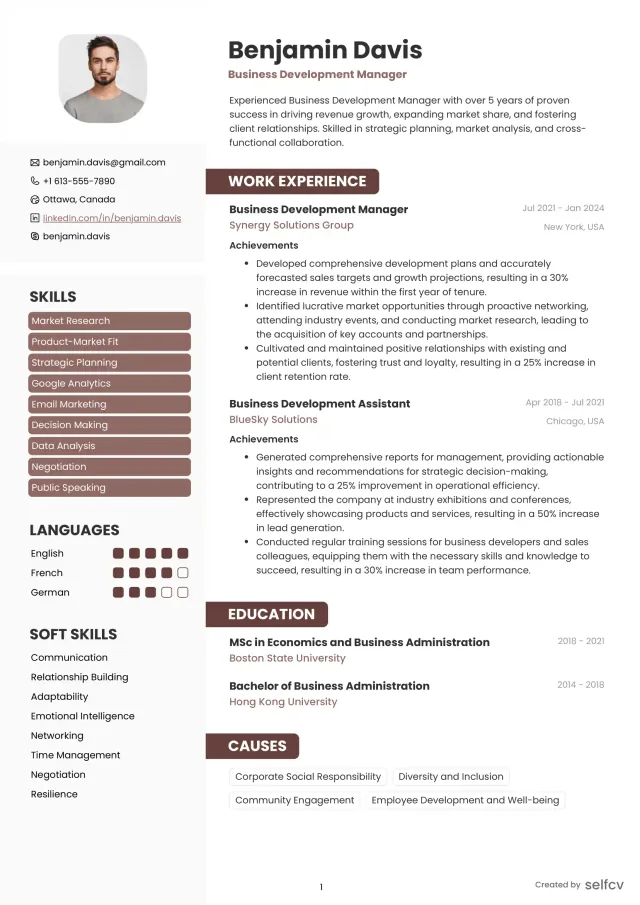
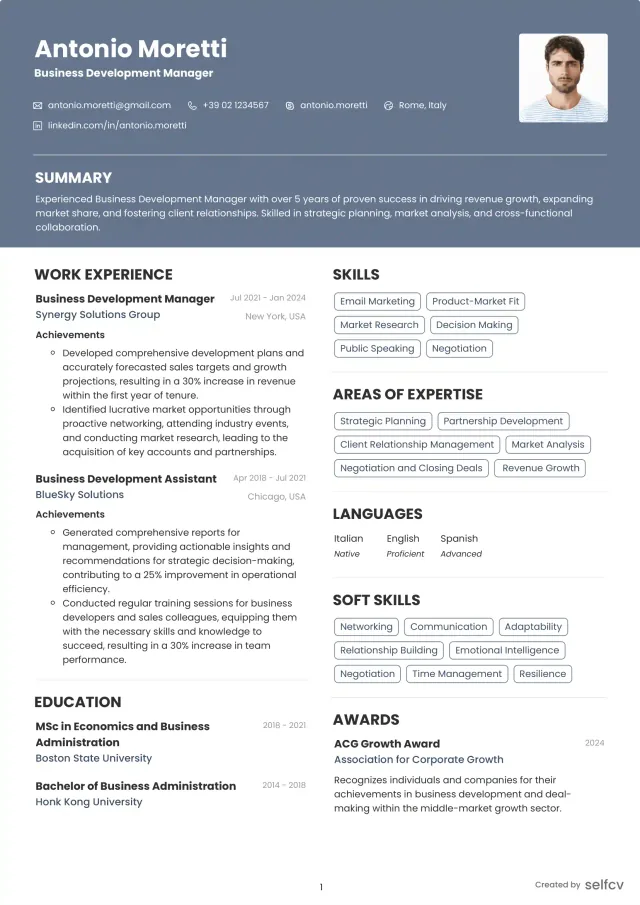
Find the template that’s right for you
No need to build anything from scratch. Using our templates or upload feature, you’ll get started easily and have a powerful resume in a few clicks.
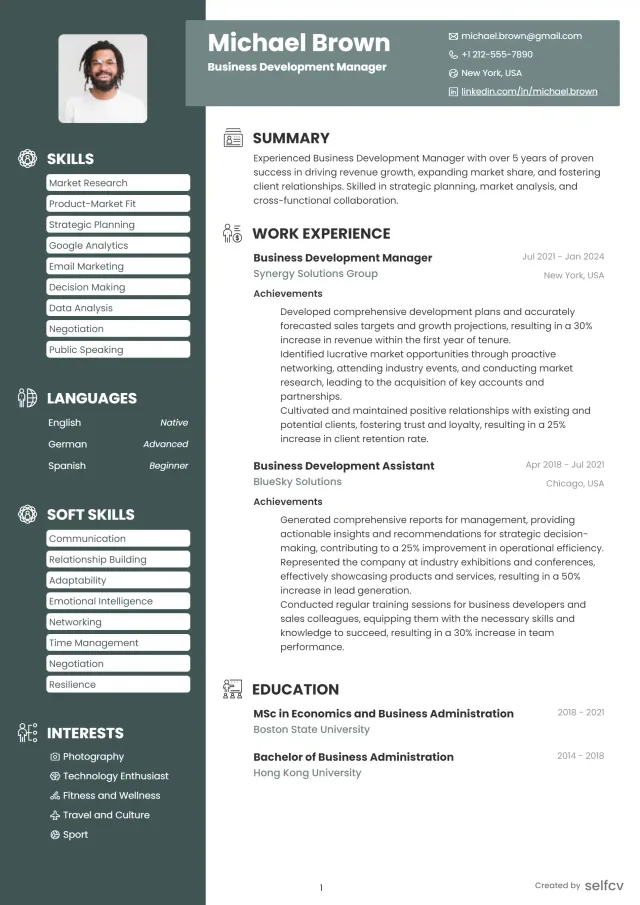
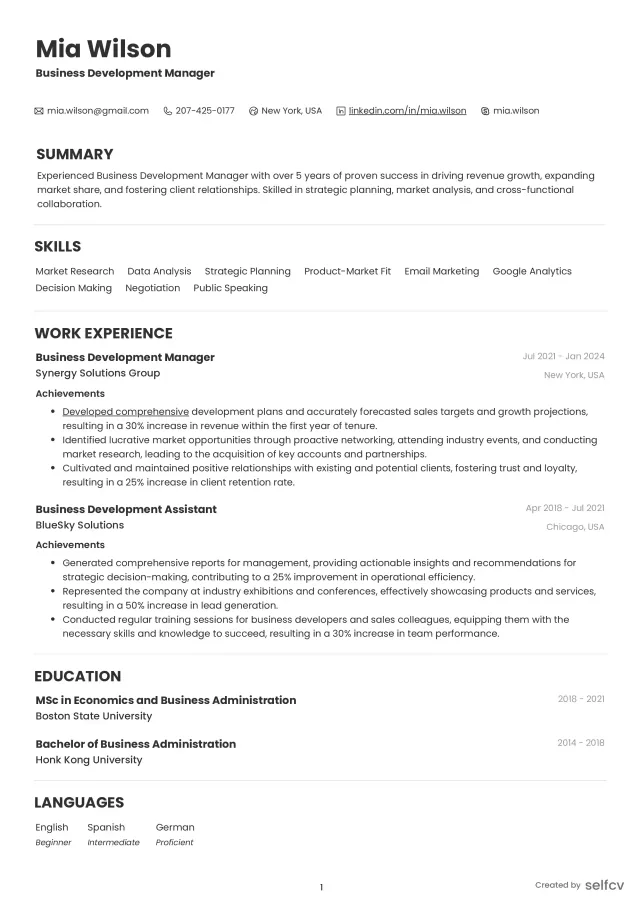
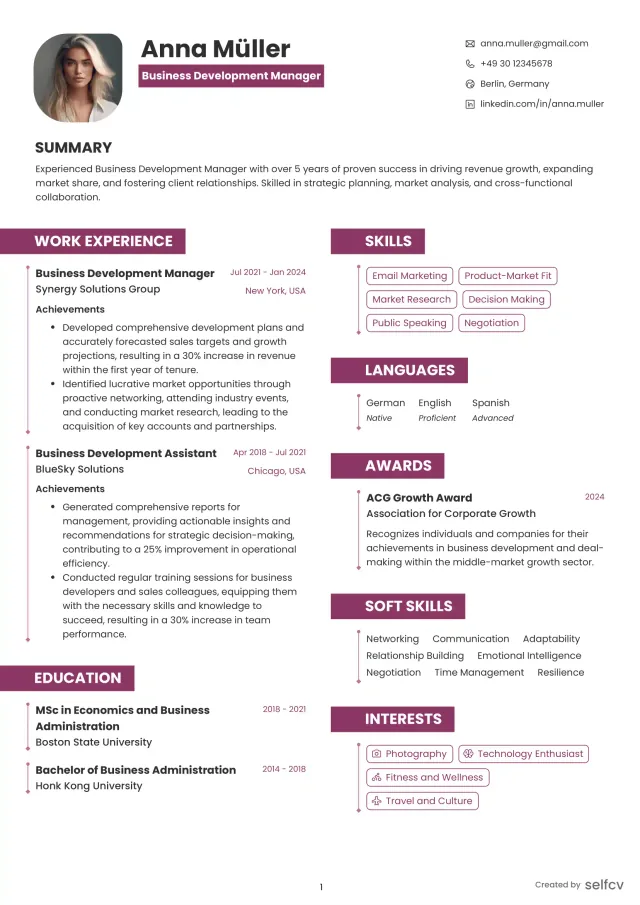
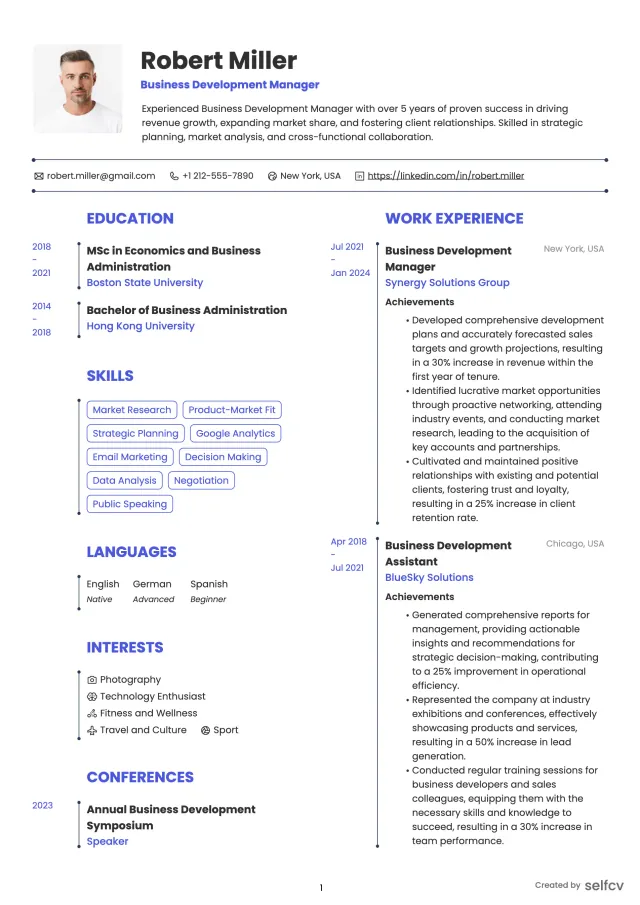
Complete sample resume (fictional example)
The candidate, companies, and career history shown are fictional examples created for illustration and any resemblance to a real person or organization is coincidental.
Jordan Lee
Target Position: Administrative Assistant
Location: Boston, MA (open to hybrid/remote)
Professional Summary
- Detail-oriented administrative assistant with 5 years supporting finance and operations teams. Improved invoice turnaround, centralized meeting materials and reduced executive calendar conflicts across departments.
Grouped Skills
- Calendar management, travel coordination, expense reporting
- Microsoft Excel (pivot tables, VLOOKUP), Outlook, Google Workspace
- Concur, Salesforce CRM basics, Slack, Zoom
- Document management, vendor coordination, meeting minutes
Professional Experience:
Operations Assistant, BrightPath Financial, Boston, MA, 2021-2026
- Coordinated calendars for 2 directors and a 6-person management team, scheduling 30+ recurring meetings weekly and decreasing conflicts by 60%.
- Processed 180 vendor invoices monthly and introduced a three-step validation that reduced duplicate payments to zero.
- Built a standardized onboarding packet that cut new-hire setup time from 2 days to 4 hours.
Administrative Coordinator, Harbor Health Clinic, Boston, MA, 2018-2021
- Supported clinic operations including patient scheduling, billing liaison and records requests for a 12-provider practice.
- Reorganized filing system and digitized historical records, enabling 95% faster retrieval for audits.
- Managed travel and logistics for outreach events, negotiating vendor rates that saved 22% per event.
Office Assistant (temp to perm), NorthWind Tech, Boston, MA, 2016-2018
- Supported reception, mail, and meeting room coordination; assisted with calendar backups and confidential correspondence.
- Championed a shared meeting agenda template adopted across 4 departments.
Education / Training
- Associate of Applied Science, Business Administration, MassBay Community College, 2016
Certifications
- Microsoft Office Specialist (Excel)
- Certified Administrative Professional (CAP) - optional and should be listed only if obtained
Industry-specific bullets you can adapt (healthcare, legal, tech, education, remote)
Healthcare administrative bullets
- Scheduled and triaged patient appointments for a 12-provider practice, reducing no-shows by 15% through reminder protocol.
- Maintained patient records and supported insurance claim submissions in compliance with privacy standards.
Legal administrative bullets
- Prepared case files and court documents, tracked deadlines and coordinated document delivery with external counsel.
- Managed time entry and billing supports for attorneys, reducing billing errors by 30%.
Tech / startup administrative bullets
- Owned office operations for a 40-person startup, implemented Slack channels and a shared resource hub to speed cross-team coordination.
- Managed vendor onboarding and procurement for remote-first equipment purchases.
Education / academic admin bullets
- Coordinated faculty calendars and semester event logistics for a department of 25 instructors.
- Compiled assessment packets and maintained accreditation documents.
Remote / virtual administrative bullets
- Supported distributed executives across time zones, using Calendly and shared docs to reduce scheduling friction.
- Implemented a virtual onboarding checklist that cut remote setup time by 50%.
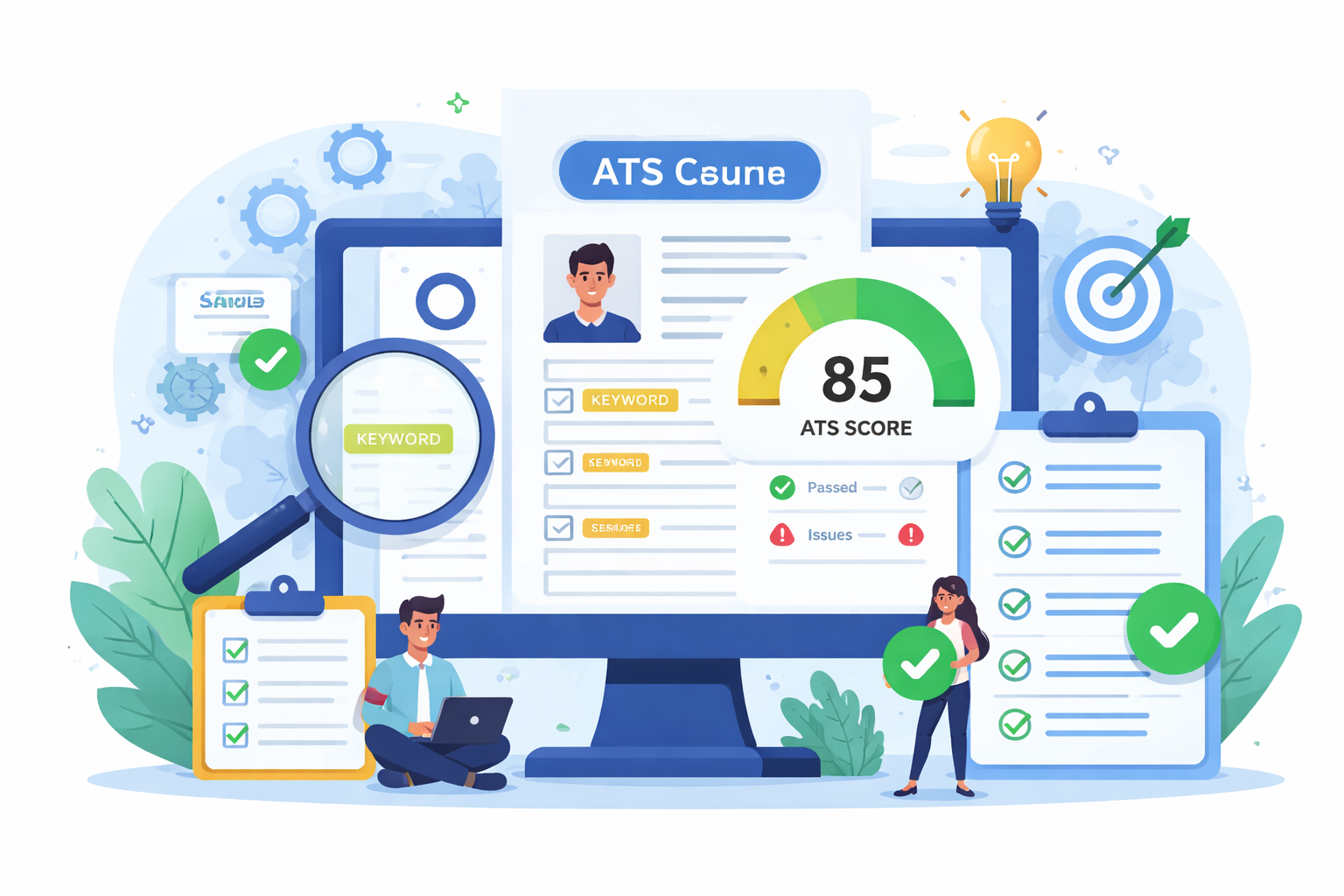
Check Your Resume with ATS
Make sure your resume passes Applicant Tracking Systems before recruiters see it.
- 📄 Upload your resume and get instant ATS feedback
- 🎯 Improve keyword matching for your target job
- ⚡ Boost your chances of getting shortlisted
Tools, software, technical skills and deliverables to list
Common tools and how to present them
- Microsoft Office: Excel (list concrete functions like pivot tables), Outlook, Word
- Google Workspace: Gmail, Calendar, Docs, Sheets
- Scheduling tools: Calendly, Doodle
- Expense and travel: Concur, corporate booking portals
- Communication: Slack, Microsoft Teams, Zoom
- CRM basics: Salesforce, HubSpot (note "basic" or level of use if not advanced)
Deliverables to showcase
- Meeting agendas and minutes
- Travel itineraries and travel policy templates
- Invoice batches, payment reconciliations and expense reports
- Onboarding packets and role-specific checklists
- Filing indexes, digitization logs and process templates
Projects, portfolio pieces and how to present process improvements
Portfolio ideas you can add to an application or link in LinkedIn
- Before/after process summary: brief PDF showing an admin process you improved and metrics (anonymize employer names).
- Meeting materials pack: sample agenda, minutes template and action-item tracker.
- Travel policy or standardized itinerary template used to speed bookings.
How to describe projects on the resume
- Use a short project line under an experience entry and add 1-2 bullets with measurable results.
- Example: "Redesigned vendor invoice intake process (project lead)" followed by bullets showing volume and reduction in errors.
Handling temp roles, promotions, employment gaps and career changes
Temp and contract roles
- Treat short-term roles as projects with concrete outputs and dates.
- If multiple temp placements with the same staffing agency, group them under one heading and list client outcomes.
Promotions and internal moves
- Show progression with clear titles and new responsibilities, even if the employer name repeats.
- Add a brief parenthetical: (promoted from Office Assistant to Administrative Coordinator after 14 months).
Employment gaps
- Use a brief line to note relevant activity during gaps: training, caregiving, freelance admin projects, volunteer admin work.
Career changers and no-experience resumes
- Lead with a skills-based summary and transferable achievements from other roles (scheduling, customer communication, document handling).
- Include a short volunteer or internship section with measurable outcomes if available.
Hiring evaluation criteria and quality standards recruiters use
What the resume should signal
- Reliability and organization through specific outputs and consistency of roles
- Technical competence with named tools rather than vague statements
- Confidentiality and compliance when applicable (medical or legal settings)
Quality standards
- Clear, readable format with consistent dates and verbs
- No unexplained job title inflation or large unexplained gaps
- Measurable achievements rather than generic duty lists
Quick recruiter perspective
- Hiring managers often prioritize candidates who can show time-savings, accuracy improvements and the ability to manage multiple stakeholders.
Frequently asked questions (real search intent answers)
1) What should an administrative assistant put on a resume?
- Include measurable achievements, core tools (Excel, Outlook, Google Workspace), deliverables (calendars, travel, invoices), and a short targeted summary.
2) How do I write an administrative assistant resume with no experience?
- Use a skills-first summary, list internships/volunteer duties with measurable outcomes, and include coursework or certifications that match the job posting.
3) What are the best bullet points for an administrative assistant resume?
- Bullets that start with an action, show scope and end with a result. Example: "Implemented a shared agenda template used in 10 departments, reducing meeting prep time by 30%."
4) Which ATS keywords matter for administrative assistant jobs?
- calendar management, travel coordination, expense reports, invoice processing, Microsoft Excel, Google Workspace, scheduling, CRM, records management.
5) How long should an administrative assistant resume be?
- 1 page for most candidates; 2 pages for senior/executive assistants with extensive executive support history.
6) How do I show promotions or temporary roles on an admin resume?
- Use clear headings showing promotion and dates; for temp roles, present them as projects and highlight outcomes achieved during each placement.
Related careers and possible next steps
Related professions to consider or highlight for transitions
- Executive Assistant
- Office Manager
- Receptionist
- HR Coordinator
- Project Coordinator
- Virtual Assistant
Practical next career steps
- Add targeted certifications (Excel, Concur, CAP) to increase hiring confidence
- Build a short portfolio with anonymized before/after examples of process improvements
- Network with hiring managers on LinkedIn with a concise headline and measurable accomplishment
Conclusion, 7-step checklist and next action
Final notes for administrative assistants
- A strong admin resume turns routine duties into measurable business outcomes and names the tools that make that work repeatable.
7-step checklist before you submit
- Tailor the summary to the job and lead with a top achievement.
- Include 6-10 targeted ATS keywords woven into skills and experience.
- Convert 3-5 routine duties into quantified achievements.
- List concrete tools and your level of proficiency.
- Keep the resume to 1-2 pages with consistent formatting.
- Prepare a short portfolio piece (meeting pack, travel template or process summary) to reference in applications.
- Proofread for clarity, dates and consistent verbs.
Next action
- Use the sample resume here to model your own, then update LinkedIn to match key achievements and request a peer or professional review.
- If you want a tailored review, prepare two job postings and your draft resume to compare keyword fit and achievements.
Complete resume example requirements check
This section confirms the article includes ATS keywords, tools, technical skills, deliverables, work environments, stakeholders, metrics, quality standards, compliance notes, specializations, career levels, projects, portfolio examples and hiring evaluation criteria.
All items are covered across the previous sections with admin-specific examples and phrasing tailored to 2026 hiring practices.
Achievement examples recap
Recap of the weak-to-strong examples for quick reuse
Example 1:
Weak:
- Managed executive calendar.
Strong:
- Managed calendar for 3 executives across 4 time zones, coordinating 35+ weekly meetings and reducing double-bookings by 75%.
Why it works:
- Scope and measurable outcome transform a duty into impact.
Example 2:
Weak:
- Handled invoices and expense reports.
Strong:
- Processed 200+ vendor invoices per month, implemented a three-step review that cut errors by 40% and reduced approval time from 10 to 4 days.
Why it works:
- Adds volume, process change and timing improvement.
Example 3:
Weak:
- Organized travel arrangements.
Strong:
- Coordinated multi-city travel for executive team, negotiated preferred rates that saved 18% annually and created a reusable itinerary pack for rapid bookings.
Why it works:
- Shows negotiation, cost impact and a reusable deliverable.
Career level summaries and where to place them
Placement guidance
- Put a short summary or objective under your name and contact info.
- Use entry-level objectives to explain transferable skills; use summaries for mid and senior levels with 1-2 achievements.
Quick examples (one-liners)
- Entry-level: Recent admin grad proficient in Google Workspace and calendar support seeking a first administrative role.
- Mid-level: Administrative Assistant with 4 years supporting teams, known for reducing invoice turnaround and managing executive calendars.
- Senior: Senior Administrative Assistant with 10 years supporting executives, led efficiency projects saving 120 hours annually.
- Career changer: Customer service pro moving to administrative work, trained in Excel and scheduling, with documented improvements in response time.
Closing reminder
Keep proof of results ready
- Save anonymized screenshots or short PDFs of templates, agendas or process summaries you created.
- Be ready to discuss the exact steps you took and how you measured improvements during interviews.
Good luck refining your resume and turning routine admin work into clear, measurable impact.
Why job seekers choose selfcv
Thousands of professionals use selfcv to build modern, ATS-friendly resumes, customize templates, and apply for jobs with confidence.
Thanks to SelfCV, I now have a professional and polished resume that I'm confident in sending to potential employers. I will definitely be recommending your service to other job seekers. Keep up the great work!
SelfCV offers an intuitive interface that makes creating a professional CV straightforward. Whether you're a student, a fresh graduate, or an experienced professional, the step-by-step process ensures that users of all levels can craft an impressive CV.
Easy to use resume builder. They have very intuitive ui for customizing and keeping multiple versions of resume.
The right tool for creating CVs. As a student I was looking for a tool that could help me quickly create a CV for internship applications. This was just the right tool. I am very satisfied!
This is one of the best tools I’ve ever used - I was able to build my CV in seconds with high quality template. Highly recommended!
Amazing app with easy user experience. Loved it. Its intuitive and easy to navigate, designs are very nice.
