
Linux System Administrator Resume 2026: Automation, Incident Impact and ATS-Ready Examples
Linux System Administrator Resume 2026: Automation, Incident Impact and ATS-Ready Examples
Written by Armen Mkhitaryan
Hiring problems this resume solves:
- Outages that recur because of undocumented changes
- Slow, manual deployments that waste engineering time
- Resumes that list tools but not production outcomes
Promise:
- Make your resume pass ATS scans and show measurable operational impact
- Give hiring managers concise proof of automation, incident handling, and security hardening
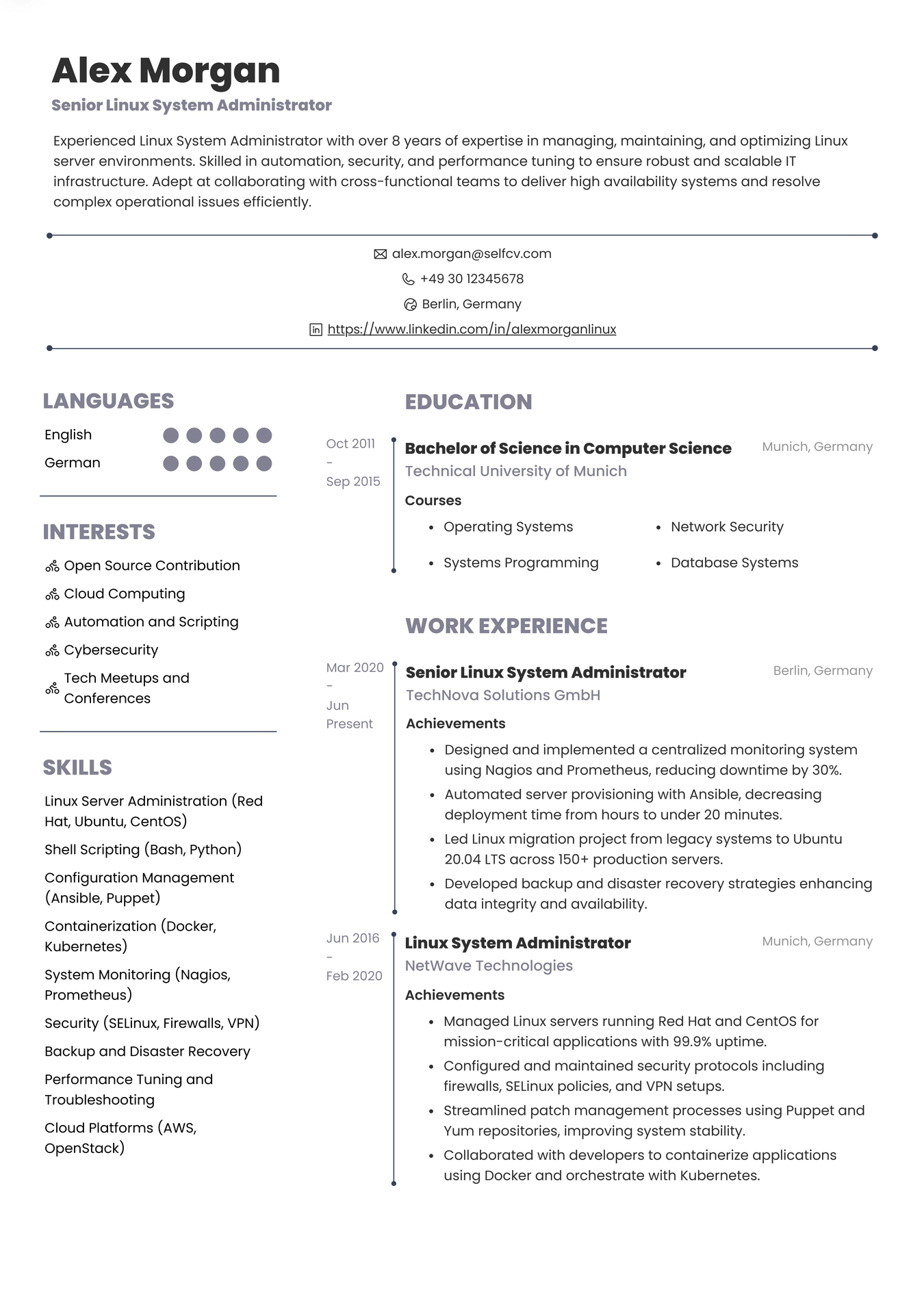
Quick-scan recruiter checklist
One-line checklist recruiters use when skimming a sysadmin resume:
- Clear job title and 2-3 line summary showing production ownership
- Top skills and tools section with Ansible, systemd, Bash, iptables/nftables, and monitoring
- 2-4 recent achievements with metrics (MTTR, uptime, deployment frequency, automation coverage)
- Evidence of on-call responsibilities and incident postmortems
- Links to a GitHub or playbook examples and a concise portfolio
How to pass the quick-scan:
- Put the most relevant distro or environment (Red Hat, Ubuntu, cloud) near the top
- Lead with outcomes: reduced outages, automated repeatable tasks, or cut release time
- Keep formatting ATS-friendly: simple headings, bullet lists, no images
ATS keyword map for Linux sysadmins
High-priority keywords to include verbatim where true:
- Linux system administrator resume 2026
- Ansible, systemd, Bash scripting, Python scripting
- iptables, nftables, SELinux, AppArmor
- Prometheus, Grafana, ELK, Nagios, Zabbix
- Kubernetes operations, container runtime, Docker
- CI/CD pipelines, Jenkins, GitLab CI
- Cloud providers: AWS, Azure, GCP (specify services used)
- Monitoring and observability, MTTR, SLA, uptime
How to use keywords safely:
- Add keywords in a skills list and naturally in achievement bullets
- Avoid keyword stuffing; show a one-line context for each key tool
- Use common abbreviations and full names (e.g., Prometheus and monitoring)
Resume Example for Linux System Administrator
Skills, tools and Linux-specific examples
Grouped skills section example labels:
- Core Linux: systemd, init, kernel tuning (sysctl), package management (apt, yum, dnf, zypper)
- Automation: Ansible roles, Terraform for infra, Bash and Python scripting
- Networking & firewall: iptables, nftables, iproute2, routing, VLANs
- Observability: Prometheus, Grafana, Loki, ELK, journalctl
- Containers & orchestration: Docker, containerd, Kubernetes (kubeadm/OpenShift)
- Security & compliance: SELinux, AppArmor, CIS benchmarks, sudo hardening
Practical, Linux-specific examples to show on a resume:
- Package management example: "Standardized package installs via Ansible role using apt and yum with idempotent tasks"
- systemd example: "Authored systemd unit for myservice with Restart=on-failure and consolidated logs to journald"
- Kernel tuning example: "Applied sysctl profile to reduce TCP TIME_WAIT and improved connection churn handling"
- Firewall example: "Replaced legacy iptables rules with nftables chains to simplify NAT and rate-limiting rules"
- Command evidence for interviews: "journalctl -u myservice -b" and "ss -tulpn"
Resume summaries and objectives by career level
Entry-level summary example:
- Recent Linux admin with 1 year of production exposure, comfortable with Debian/Ubuntu, Bash scripting, and basic Ansible playbooks. Eager to own runbooks and support weekly on-call rotations.
Mid-level summary example (2-5 years):
- Linux system administrator with 3 years of platform experience, led migration of stateful services to containerized environments, reduced deployment time by 60% via Ansible automation, and responsible for on-call escalation and postmortems.
Senior-level summary example (5+ years):
- Senior Linux administrator focused on reliability and automation, architected configuration management at scale, introduced observability standards that cut MTTR by 40%, and mentored a 4-person ops team.
Career changer objective example:
- Former helpdesk engineer transitioning to Linux operations with LPIC-1 and hands-on Ubuntu server projects. Seeking entry-level sysadmin role to apply scripting and troubleshooting skills toward reliable production services.
Before/after resume makeovers
Entry to mid-level makeover (before and after bullets):
Before:
- Managed Linux servers
- Wrote scripts to automate tasks
- Handled support tickets
After:
- Managed 120-node Ubuntu fleet with configuration drift checks and patch windows, reducing critical incidents by 25%
- Automated user onboarding and package installs with Ansible roles covering 85% of routine tasks
- Owned on-call rotation, triaged 30+ incidents, and led 5 postmortems with documented RCA
Mid to senior-level makeover (before and after bullets):
Before:
- Ran daily ops and deployments
- Implemented monitoring
- Helped with audits
After:
- Designed and rolled out a Blue-Green deployment process using GitLab CI that cut rollback time from 45 minutes to 7 minutes
- Standardized observability with Prometheus and Grafana dashboards, enabling alerting that reduced P1 notifications by 35%
- Led compliance improvements for CIS and implemented automated audit checks
Complete fictional resume example
The candidate, companies, and career history shown are fictional examples created for illustration and any resemblance to a real person or organization is coincidental.
Candidate Name
Samira Kovalenko
Target Position
Senior Linux System Administrator
Location
London, UK (remote-ready)
Professional Summary
- Senior Linux system administrator with 7 years of experience managing Red Hat and Ubuntu servers for SaaS and finance workloads. Experience in automation with Ansible, observability with Prometheus and ELK, and security hardening for PCI compliance. Proven track record reducing MTTR and automating routine maintenance.
Grouped Skills
- Operating systems: RHEL, CentOS, Ubuntu LTS
- Automation: Ansible (roles, vault), Terraform basics, CI/CD with GitLab
- Scripting: Bash, Python (maintenance scripts)
- Networking & security: nftables, iproute2, SELinux, PAM
- Observability: Prometheus, Grafana, ELK stack, journalctl
- Containers: Docker, Kubernetes (kubeadm), containerd
Professional Experience:
Platform Engineer, FinCloud Ltd
2021-2026
- Migrated critical analytics services to containerized stacks, reducing deployment lead time by 70%
- Built Ansible role library covering OS hardening, package installs, and service templates, achieving 92% automation coverage for routine tasks
- Reduced average MTTR from 2.8 hours to 1.6 hours by standardizing incident playbooks and improving alert fidelity
- Participated in 24x7 on-call rotation and authored 12 postmortems with RCA and mitigation steps
Systems Administrator, WebHostCo
2018-2021
- Maintained 300+ web servers across HA clusters, implemented rolling updates to ensure zero-downtime upgrades
- Replaced iptables monolith with nftables chains, simplified NAT rules and reduced firewall-related incidents by 40%
- Implemented Prometheus exporters and Grafana dashboards for service-level metrics, enabling SLO monitoring
Junior Linux Administrator, TechHelp Inc
2016-2018
- Supported internal Linux workstations and servers, automated backup checks with cron and monitoring alerts
- Wrote onboarding scripts to provision developer environments using apt and pip
Education / Training
- BSc Computer Science, University of Manchester
Certifications
- Red Hat Certified System Administrator (RHCSA)
- CompTIA Linux+
- Certified Kubernetes Administrator (CKA) - optional
References
- Available on request
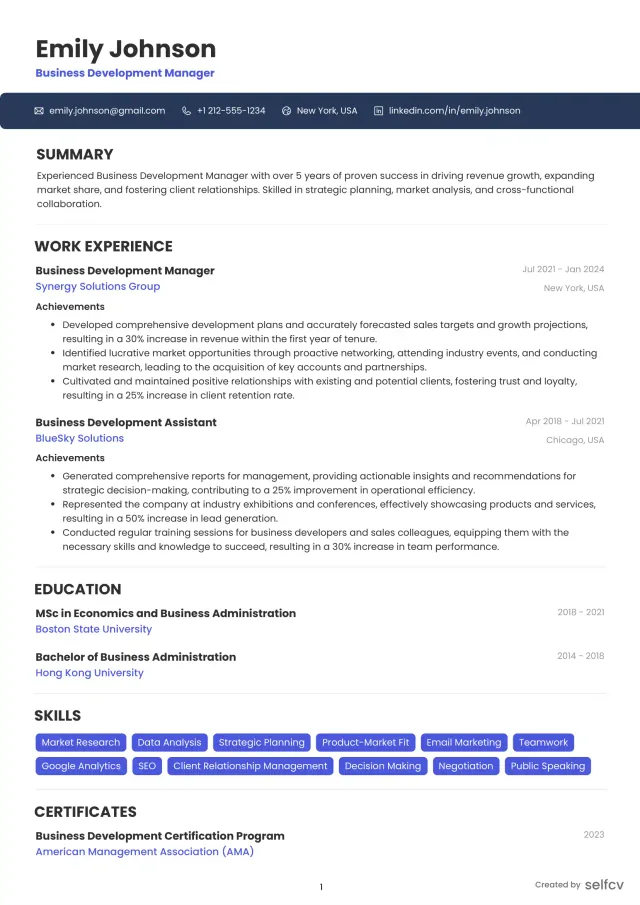
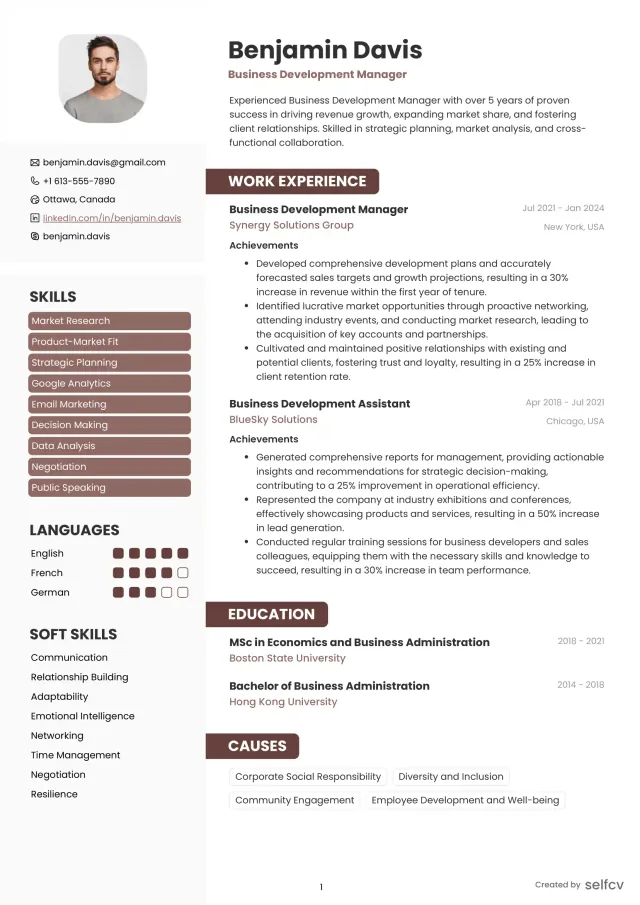
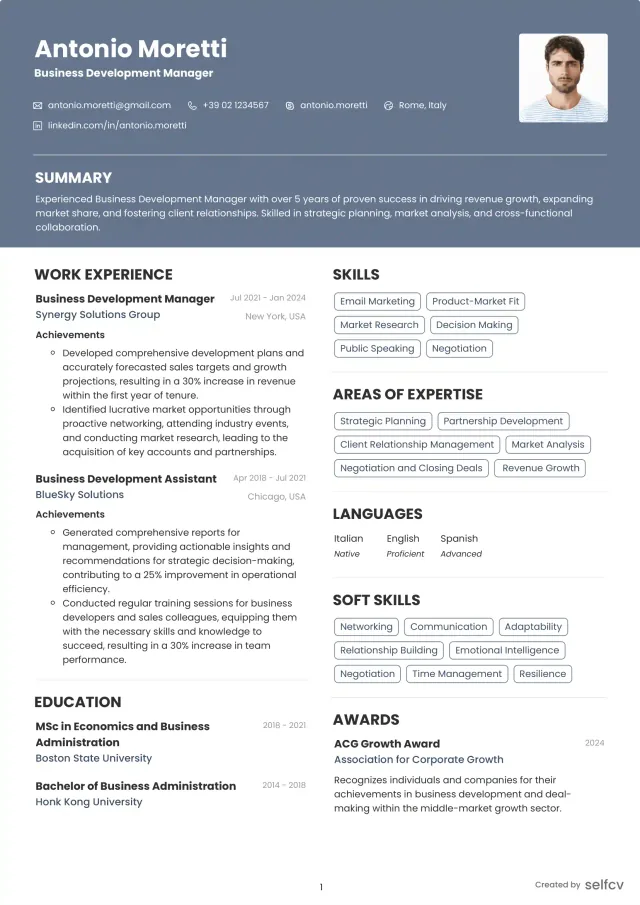
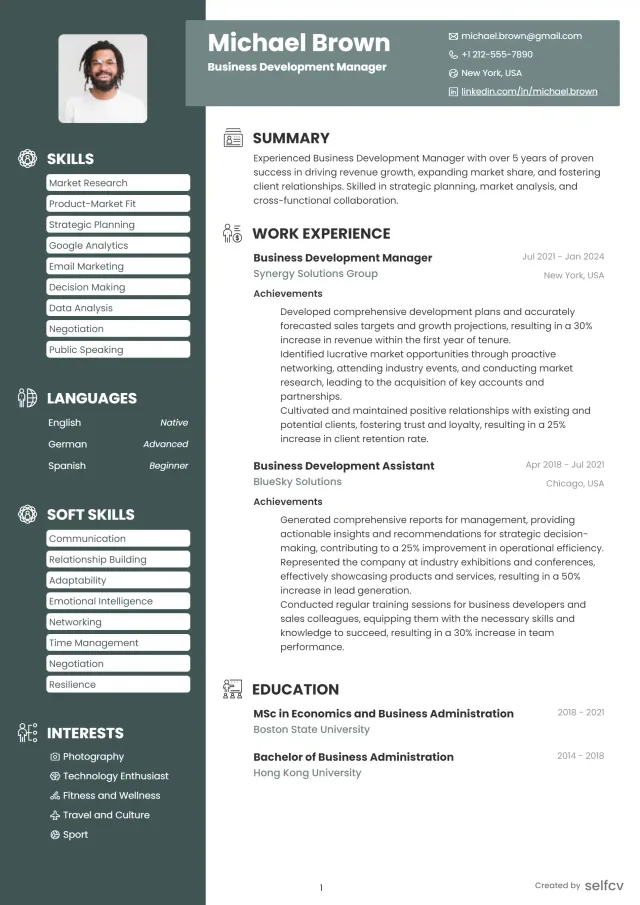
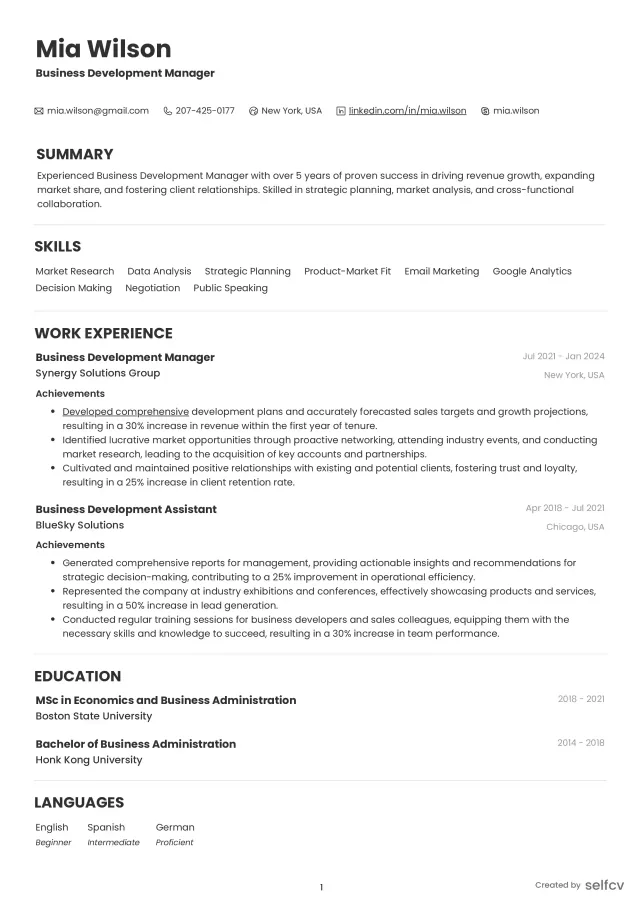
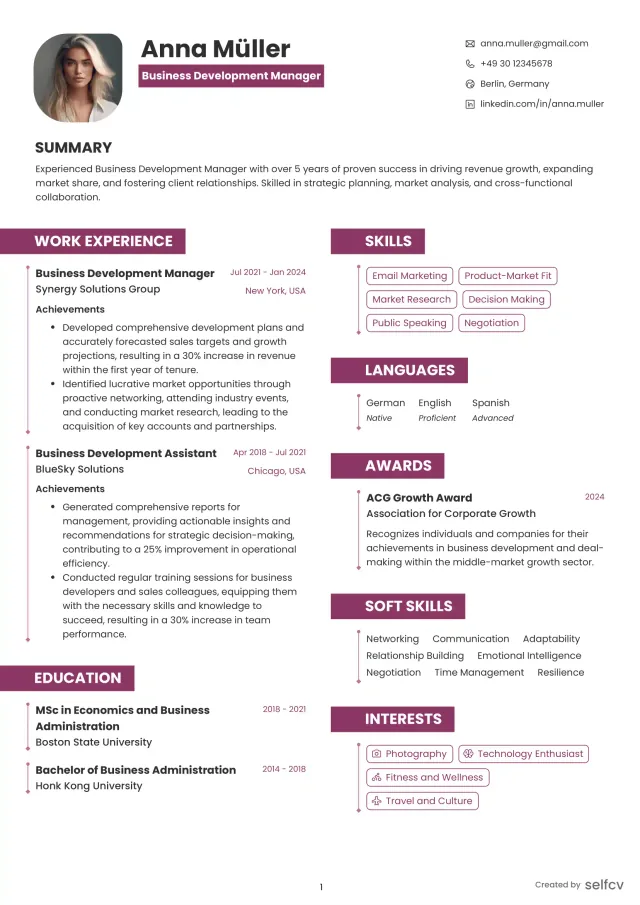
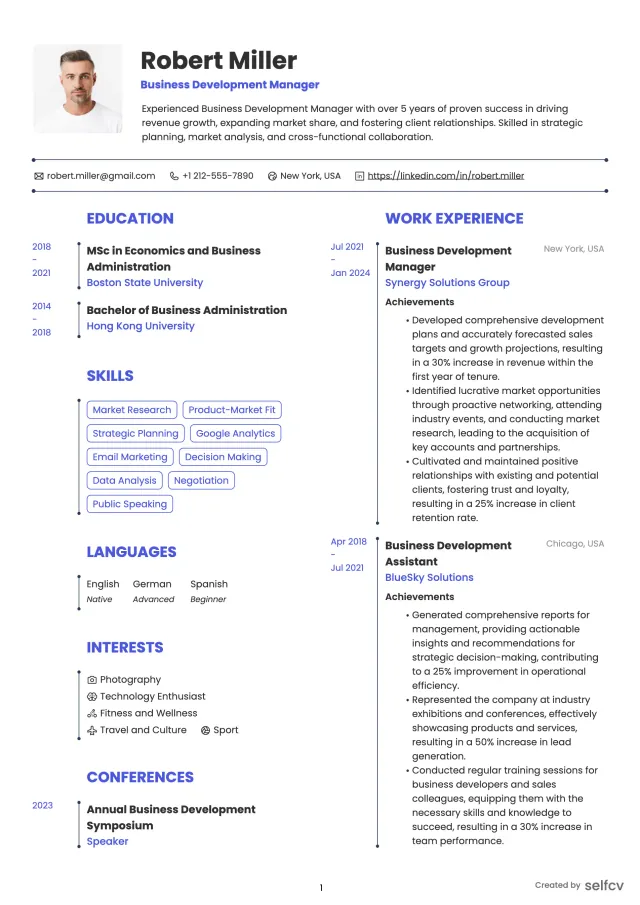
Find the template that’s right for you
No need to build anything from scratch. Using our templates or upload feature, you’ll get started easily and have a powerful resume in a few clicks.
Industry-specific resume tailoring
Cloud-native (SaaS, hosting) focuses:
- Emphasize containers, Kubernetes ops, CI/CD, and infra-as-code
- Example bullet: "Managed Kubernetes clusters with kubeadm and automated image builds in GitLab CI to enable daily releases"
Finance and regulated industries focuses:
- Highlight compliance, audit experience, and secure change controls
- Example bullet: "Implemented CIS benchmarks, SELinux policies, and automated audit checks to pass quarterly PCI reviews"
Telco and networking focuses:
- Prioritize high-throughput networking, BGP or routing knowledge, and low-latency tuning
- Example bullet: "Applied sysctl network profiles and tuned NIC IRQs to improve TCP throughput under load"
Hosting and managed services focuses:
- Stress multi-tenant isolation, backup strategies, and customer-facing SLAs
- Example bullet: "Designed tenant separation using namespaces and strict nftables rules, reducing cross-tenant incidents"
Project deliverables, with sanitized examples
Runbook (sample summary):
- Title: PostgreSQL service restart and recovery
- Purpose: steps to safely restart primary and promote replica
- Key commands: "sudo systemctl stop postgresql", "sudo -u postgres pg_basebackup -D /var/lib/postgresql"
- Included escalation and verification checklist
Automation playbook summary (Ansible):
- Role: base-hardening
- Tasks: ensure packages installed, set /etc/sysctl.conf values, deploy systemd unit templates
- Idempotency: checks for existing configuration before changes
Incident postmortem snippet:
- Incident: critical API latency spike
- Timeline: detection at 09:12, mitigation at 09:27 (feature flag rollback), full recovery at 09:40
- Root cause: configuration regression in proxy limits
- Actions: added pre-deploy tests, created automated canary check, updated runbook
Sanitized config evidence examples you can mention on a resume:
- systemd unit snippet: "[Service] Restart=on-failure RestartSec=5" as a line to show restart policy
- sysctl example: "net.ipv4.tcp_tw_reuse=1" to show kernel tuning knowledge
- nftables summary: "created input chain with rate-limiting and established connections rule"
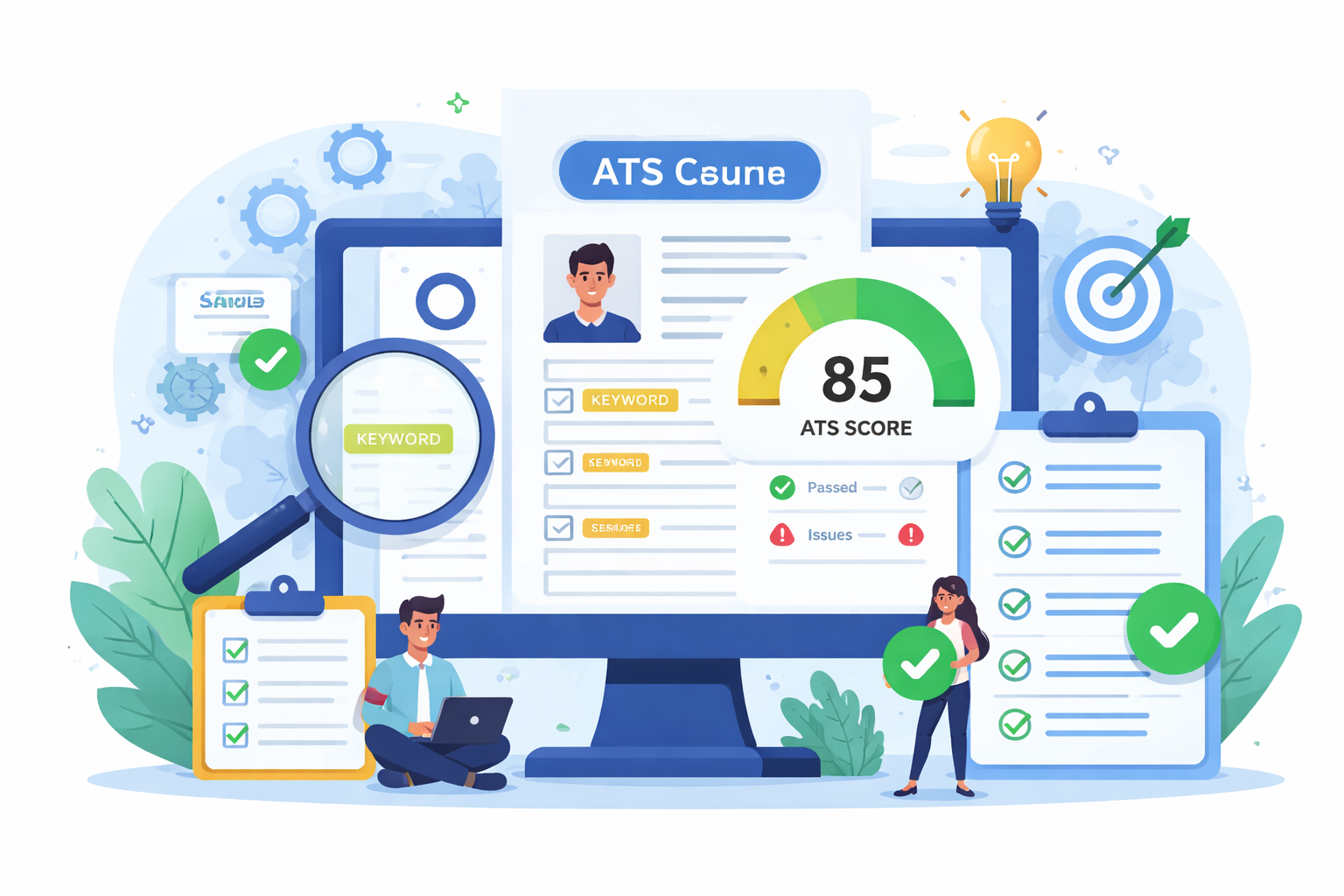
Check Your Resume with ATS
Make sure your resume passes Applicant Tracking Systems before recruiters see it.
- 📄 Upload your resume and get instant ATS feedback
- 🎯 Improve keyword matching for your target job
- ⚡ Boost your chances of getting shortlisted
Achievement examples: weak-to-strong (Linux-specific)
Example 1:
Weak: Reduced downtime.
Strong: Reduced critical service downtime by 45% year-over-year by introducing blue-green deployments and automated health checks.
Why it works: The strong version quantifies the improvement and describes the specific method used.
Example 2:
Weak: Wrote automation scripts.
Strong: Replaced manual patching with an Ansible workflow covering 120 servers, cutting weekly maintenance time from 16 hours to 3 hours.
Why it works: The strong version includes scope (120 servers) and measurable time savings.
Example 3:
Weak: Improved monitoring.
Strong: Implemented Prometheus exporters and dashboards across microservices, reducing P1 incident noise by 35% and enabling SLO-based alerts.
Why it works: The strong version ties monitoring changes to reduced alert noise and SLO outcomes
On-call, incidents and measurable metrics to include
How to phrase on-call responsibilities:
- "Participated in 1-in-6 on-call rotation for production platform, handled escalation and led 10 postmortems per year"
- "Primary on-call for database tier, responded to P1 incidents with average first-response time of 12 minutes"
Metrics to quantify operational impact:
- MTTR improvements (e.g., reduced from 2.8h to 1.6h)
- Automation coverage (percentage of routine tasks automated)
- Deployment frequency or lead time reduction (70% faster releases)
- Reduction in P1 alerts or noise (percent)
PagerDuty and alerting specifics to include:
- On-call schedule size and rotation frequency
- Mean time to acknowledge (MTTA) and MTTR figures where available
- Postmortem count and action completion rate
Open-source, portfolio and sanitized code snippets
How to list GitHub and playbooks:
- Include 2-3 curated links: Ansible role, runbook repo, and a monitoring dashboard repo
- Describe what each repo demonstrates: idempotency, testing, or observability
Sanitized snippet examples to mention on resume:
- Ansible task summary: "Install and enable metric exporter with handlers to restart service" (no credentials or secrets)
- systemd unit line: "Restart=on-failure" as evidence of service management
- iptables/nftables summary: "Established, related accept; drop invalid; rate-limit SSH" to show firewall policy intent
What not to include:
- Do not include any real credentials, private keys, or customer data in public repos
Formatting, ATS and file-type tips
File format and ATS tips:
- Prefer PDF for human review and Word (.docx) for ATS when requested
- Use clear headings: Summary, Skills, Experience, Education, Certifications
- Avoid images, custom fonts, and tables that break parsers
- Use bullet lists and plain text for tools and versions
Length and sectioning:
- 1 page for entry-level, 1-2 pages for mid-level, 2 pages acceptable for senior with many achievements
- Put the most recent 10-15 years of relevant experience up front
Red flags to avoid:
- Vague bullets like "Responsible for servers" without scale or outcome
- Gaps without context when longer than 6 months
- Too many unrelated skills (e.g., full-stack frameworks with no ops evidence)
Interview prep and technical prompt examples
Operational interview topics to prepare:
- Live troubleshooting: read logs with journalctl, interpret netstat/ss output, trace network path with traceroute
- Automation questions: explain idempotency in Ansible and show a short playbook logic
- Security and compliance: describe how you would apply SELinux policies or enforce sudo controls
Sample prompts to practice:
- "You get paged for high CPU on web-01. Outline your triage steps and commands you would run."
- "Given an Ansible role that fails on some hosts, describe how you would debug and fix the idempotency issue."
- "Show how you would tune TCP settings for a high-connection load service and which sysctl keys matter."
FAQs (focused on search intent)
How do I write a Linux system administrator resume that passes ATS in 2026?
- Use clear headings, include prioritized keywords (Ansible, systemd, Bash), and show context for each keyword rather than listing tools without outcomes.
What keywords should be on a Linux sysadmin resume?
- Include distro names, automation tools, monitoring stacks, firewall tools, container tech, and metrics like MTTR or uptime where applicable.
How to show on-call and incident handling experience on a resume?
- State rotation size and frequency, average MTTR or MTTA if known, and reference the number of postmortems you authored or led.
What distinguishes a senior Linux administrator resume from a mid-level one?
- Senior resumes show systems design, mentoring, measurable reliability outcomes, cross-team leadership, and governance work such as compliance.
How to include automation (Ansible, Terraform) on a sysadmin resume?
- Describe the scope, e.g., "Ansible roles covering 120 nodes", the results such as time saved, and provide a link to sanitized role examples in your portfolio.
Should I include kernel tuning or distro expertise on my resume?
- Yes. Specify the tuning keys used (sysctl examples) and list distro expertise if relevant to the role (RHEL vs Debian differences matter in tooling).
Related careers
Professions that overlap with Linux system administration:
- DevOps Engineer
- Site Reliability Engineer (SRE)
- Cloud Engineer
- Network Engineer
- Security Engineer
- Systems Engineer
Conclusion, checklist and next steps
Final thought:
- A Linux sysadmin resume that shows concrete operational outcomes, automation artifacts, and clear on-call ownership gets interviews faster than one that only lists tools.
Practical checklist to finish your resume:
- One-line title that matches the job posting
- 2-3 line summary with production ownership and primary specializations
- Skills list with distro, automation, monitoring, and security tools
- 3-5 achievement bullets per recent role with metrics (MTTR, automation coverage, uptime)
- Portfolio links to sanitized Ansible roles, runbooks, or monitoring dashboards
- ATS-friendly format (plain headings, .docx or PDF as requested)
Next action by experience level:
- Entry-level: finalize one-page resume and publish 1-2 small Ansible roles to GitHub
- Mid-level: build a short case study showing a migration or automation project and quantify savings
- Senior: prepare a two-page resume focusing on design decisions, governance, and mentoring outcomes
- Career changer: gain LPIC-1 or CompTIA Linux+ and document 2-3 hands-on projects with playbooks
Downloadable resource:
- A one-page Linux-specific resume template and a checklist are available for you to adapt and fill with your metrics and playbook links
Practical next steps:
- Update your resume with one measurable achievement from the last 12 months
- Publish a sanitized Ansible role or runbook to a GitHub repo
- Prepare 3 incident triage notes you can discuss in interviews
Achievement examples: weak-to-strong (duplicate prevention notice)
Example 4:
Weak: Helped reduce alerts.
Strong: Consolidated alerting rules and tuned thresholds across 10 services, which reduced noisy alerts by 48% and improved on-call focus.
Why it works: Quantifies impact and explains the action taken
Extra Linux-specific evidence and configuration snippets
Small, resume-safe config lines you can mention without exposing secrets:
- systemd: "[Service] Restart=on-failure RestartSec=5" to indicate service hardening
- sysctl: "net.core.somaxconn=1024" to show connection handling adjustments
- nftables intent: "define input chain with accept established, drop invalid, limit SSH attempts" for firewall posture
- Ansible role description: "role: base, tasks: ensure packages, enforce sysctl, deploy unit files, handlers restart services"
Use these as one-line evidence in bullets, not pasted full configs, to show practical familiarity
Why job seekers choose selfcv
Thousands of professionals use selfcv to build modern, ATS-friendly resumes, customize templates, and apply for jobs with confidence.
Thanks to SelfCV, I now have a professional and polished resume that I'm confident in sending to potential employers. I will definitely be recommending your service to other job seekers. Keep up the great work!
SelfCV offers an intuitive interface that makes creating a professional CV straightforward. Whether you're a student, a fresh graduate, or an experienced professional, the step-by-step process ensures that users of all levels can craft an impressive CV.
Easy to use resume builder. They have very intuitive ui for customizing and keeping multiple versions of resume.
The right tool for creating CVs. As a student I was looking for a tool that could help me quickly create a CV for internship applications. This was just the right tool. I am very satisfied!
This is one of the best tools I’ve ever used - I was able to build my CV in seconds with high quality template. Highly recommended!
Amazing app with easy user experience. Loved it. Its intuitive and easy to navigate, designs are very nice.
