
System Administrator Resume 2026: ATS-Ready Examples, Keywords & Senior/Junior Scorecard
Written by Armen Mkhitaryan
Two common barriers for sysadmin applicants in 2026
- ATS filtering for cloud, automation, and platform keywords hides qualified candidates.
- Resumes that list tasks instead of outcomes fail to show operational ownership and reliability.
Quick recruiter checklist - 30-second scan items
- One-line summary showing platform focus and scale.
- Core technical skills grouped and keyword-rich.
- 2-4 achievement bullets per role with metrics (uptime, MTTR, automation hours saved).
- On-call scope, SLAs, and team size.
What hiring teams expect and how to present it
Hiring patterns to know
- Hiring teams look for evidence of production ownership, measurable improvements, and repeatable automation.
- Employers often filter for specific cloud or OS experience first, then validate incident and automation outcomes.
How to show that on your resume
- Start with a short professional summary that states your stack and biggest result.
- Use grouped skills for ATS scanning and achievement bullets for recruiter validation.
- Include a project or portfolio link with at least one automation playbook or runbook.
Recommended resume structure and priorities
Section order and why it matters
- Header (name, contact, LinkedIn, GitHub/portfolio) - makes verification easy.
- Professional Summary - immediate context and top achievement.
- Core Technical Skills - keyword map grouped by platform.
- Professional Experience - achievement-focused bullets with metrics.
- Projects / Automation & Scripts - link to playbooks, Terraform modules, runbooks.
- Education / Certifications - concise and verifiable.
- Optional: On-call, SLA responsibilities, publications or postmortems.
Formatting tips
- Keep bullets short and outcome-focused.
- Use consistent verbs and tenses.
- Save complex technical examples for the Projects section with links to code or screenshots.
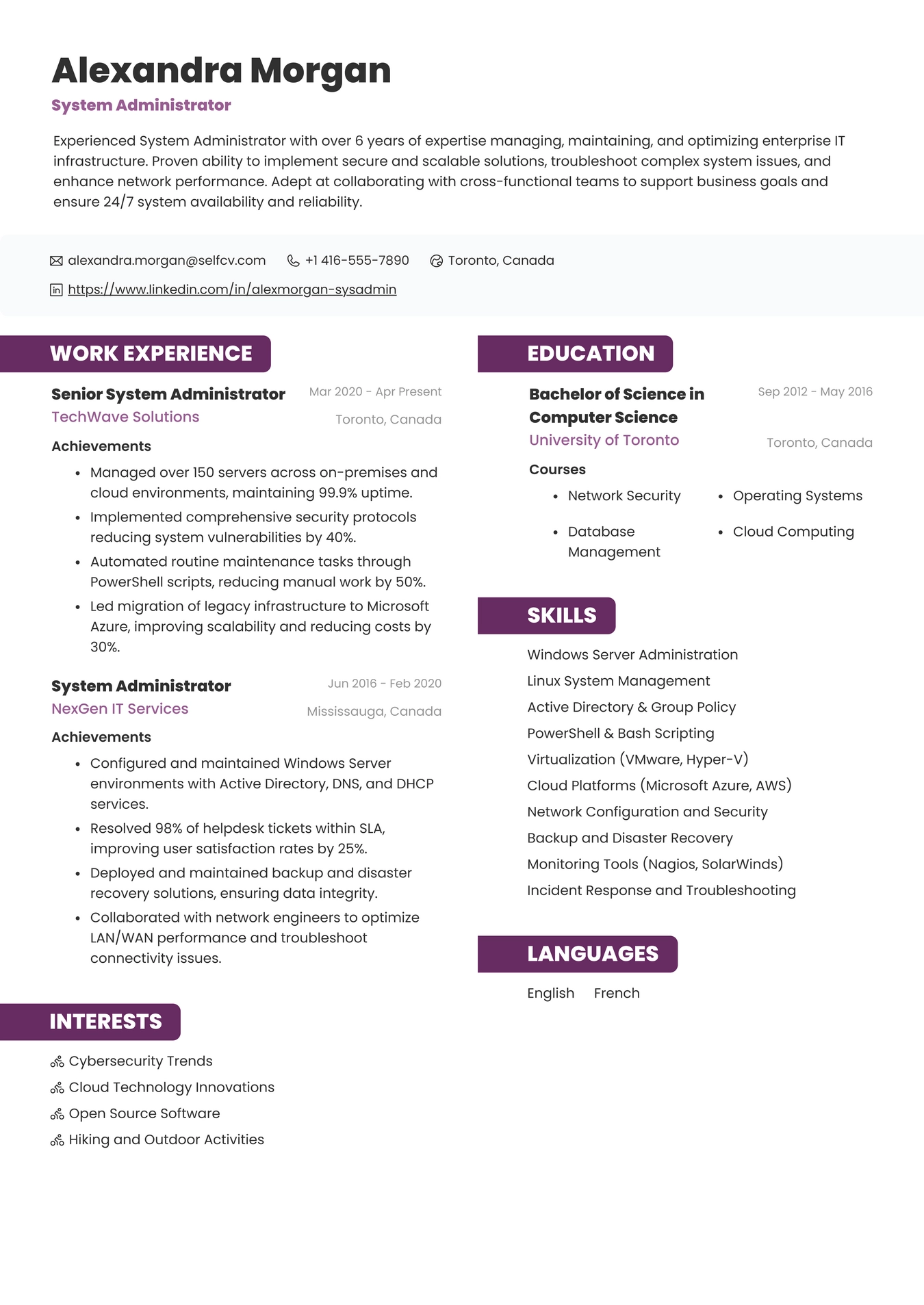
Resume Example for System Administrator
Core technical skills and ATS keyword map
Group skills to match job descriptions
Linux and OS
- linux, rhel, centos, ubuntu, debian, systemd
Windows and identity
- windows server, active directory, ad, group policy, kerberos, ldap
Cloud and virtualization
- aws, azure, gcp, ec2, s3, iam, azure ad, vmware, hyper-v, kvm
Infrastructure as code and automation
- terraform, ansible, chef, puppet, powershell, bash, python, automation
Monitoring, logging and backup
- prometheus, grafana, nagios, zabbix, splunk, elk, logstash, veeam
Networking and security
- dns, dhcp, vpn, firewall, cisco, palo alto, sso, iam, vulnerability remediation
Resume keyword strategy
- Mirror exact terms from the job posting in your Core Technical Skills section.
- Use platform names in context inside experience bullets to show real usage.
Tools, deliverables and outputs to list
Common platform tools to mention
- VMware, Hyper-V, KVM
- AWS console, Azure portal, GCP console
- Terraform, Ansible, Vagrant
- Powershell, Bash, Python
- Prometheus, Grafana, Nagios, ELK, Splunk
- Veeam, Bacula, native snapshots
Deliverables hiring teams expect
- Runbooks and playbooks
- Terraform modules and Ansible roles
- Incident postmortems and RCA summaries
- Capacity planning reports and cost optimization notes
- Backup verification and recovery tests
How to present deliverables
- Use a Projects section to share sanitized examples and GitHub links.
- Note scale: number of servers, number of users, size of environment.
Experience bullets that get interviews
Bullet formula to use
- Action + System + Scale + Result
Two focused examples
- Automated patching across 250 Linux servers using Ansible, reducing manual patch time from 4 days to 6 hours and cutting patch-related incidents by 45%.
- Migrated 150 VMs from on-prem VMware to AWS EC2 with Terraform, improving failover time and reducing monthly infra spend by 18% through rightsizing and reserved instances.
How to turn tasks into achievements
- Replace "managed servers" with specifics: number of servers, critical services, SLA targets met, and tools used.
- If you don't have precise numbers, use conservative estimates and say "approx." or give percentages.
Complete fictional resume example
The candidate, companies, and career history shown are fictional examples created for illustration and any resemblance to a real person or organization is coincidental.
Elias Navarro
Target Position
Systems Administrator (Linux / Cloud-focused)
Location
Austin, TX
Professional Summary
- Linux systems administrator with 5 years supporting hybrid cloud environments and 24x7 on-call rotations. Focused on automation, incident reduction, and secure operations.
Grouped Skills
- Platforms: Ubuntu, RHEL, AWS (EC2, S3), VMware
- Automation: Ansible, Terraform, Bash, Python
- Monitoring: Prometheus, Grafana, ELK
- Identity & Networking: LDAP, Active Directory integration, DNS, VPN
Professional Experience:
Senior Systems Administrator, Regional Healthcare Provider, 2022-2026
- Led automation of patching and configuration for 300 servers using Ansible, reducing patch time from 4 days to 8 hours and lowering post-patch incidents by 60%.
- Managed hybrid environment of on-prem VMware and AWS, migrated 80 critical workloads to AWS with Terraform and improved DR failover time by 40%.
- Contributed to incident response and runbook library; reduced mean time to recovery (MTTR) for database service outages from 120 minutes to 35 minutes.
Systems Administrator, EdTech Startup, 2019-2022
- Maintained Ubuntu server fleet and deployed containerized services for CI pipelines, increasing deployment frequency from weekly to daily.
- Implemented centralized logging with ELK, enabling faster root cause analysis and reducing time to detect service anomalies by 50%.
- Participated in 24x7 on-call rotation covering 1,000 users and documented postmortems for major incidents.
Education / Training
- BSc in Information Technology, State University, 2018
Certifications:
- RHCSA (Red Hat Certified System Administrator)
- AWS Certified SysOps Administrator - Associate (optional realistic certification)
- CompTIA Security+ (optional realistic certification)
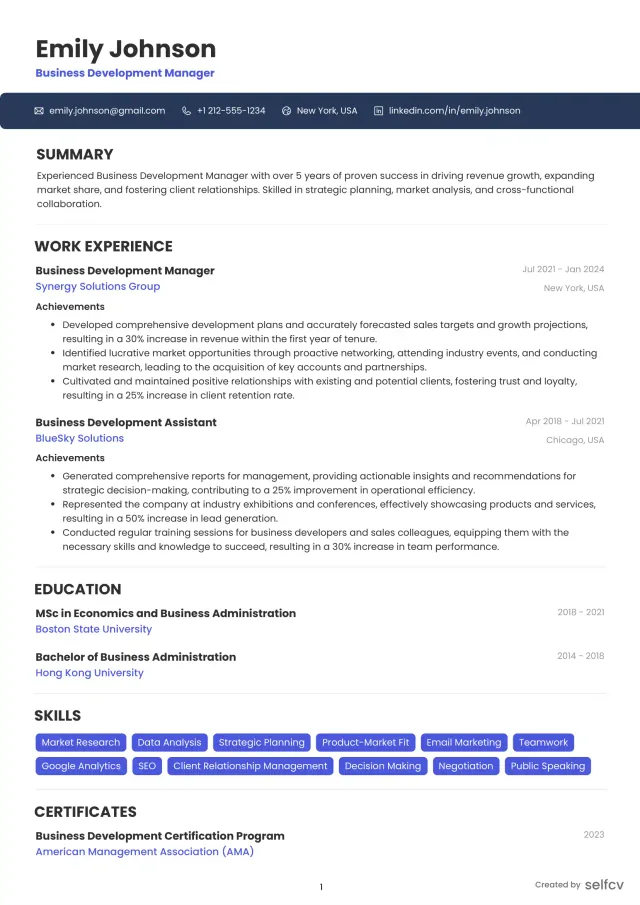
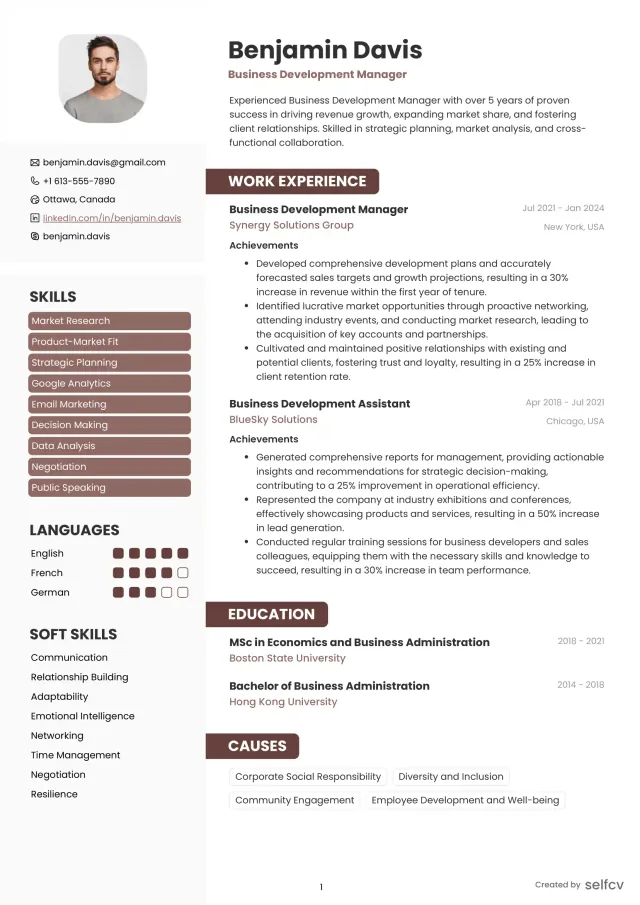
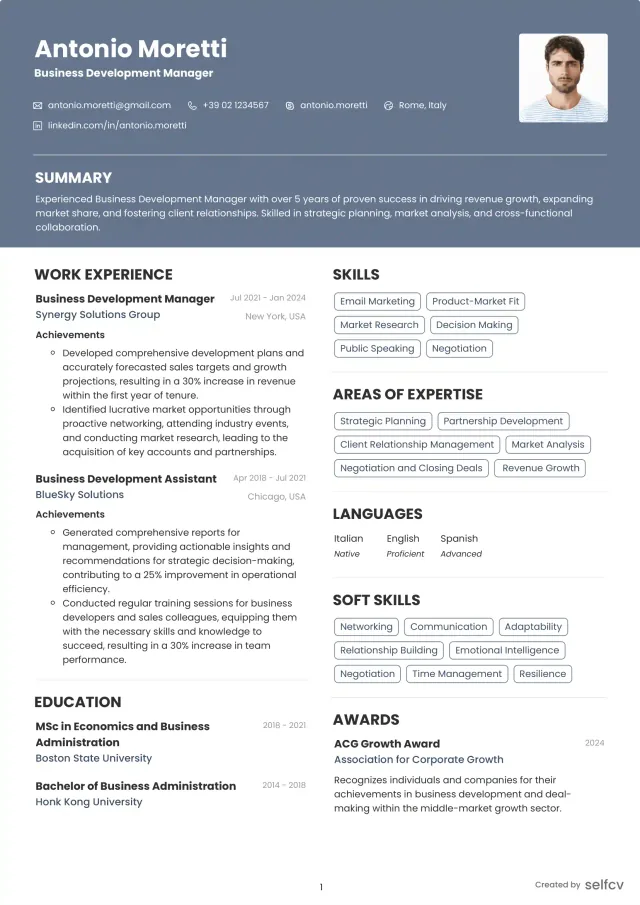
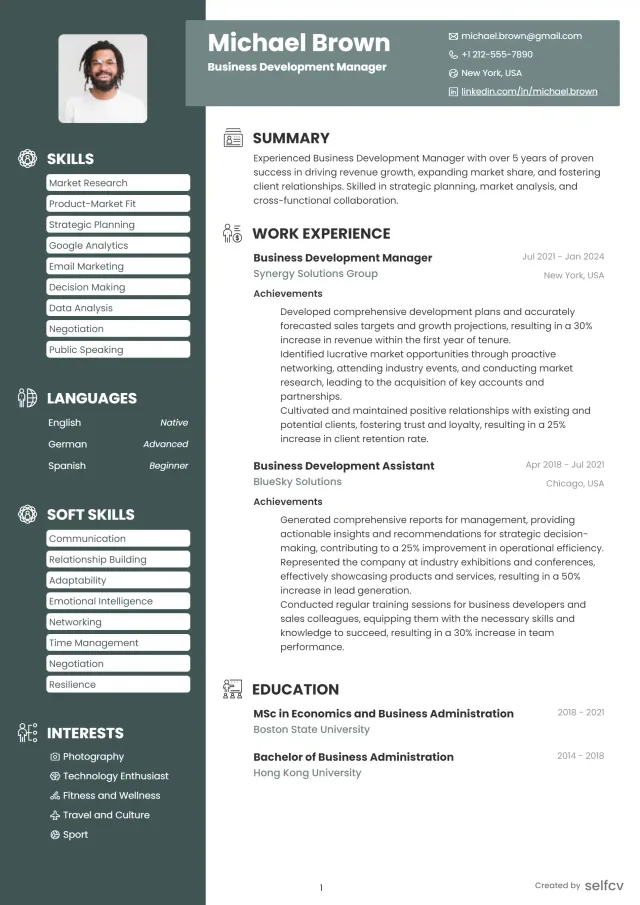
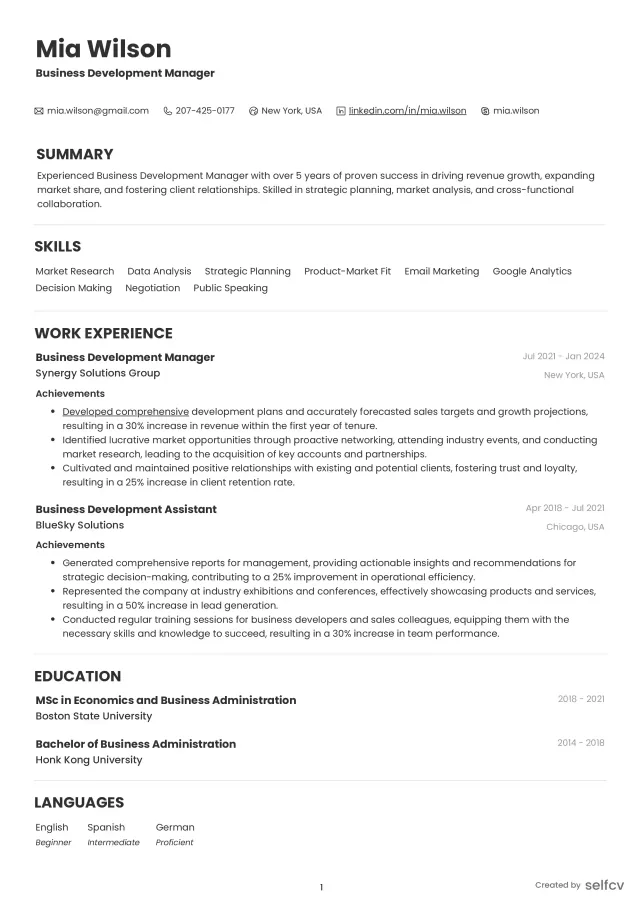
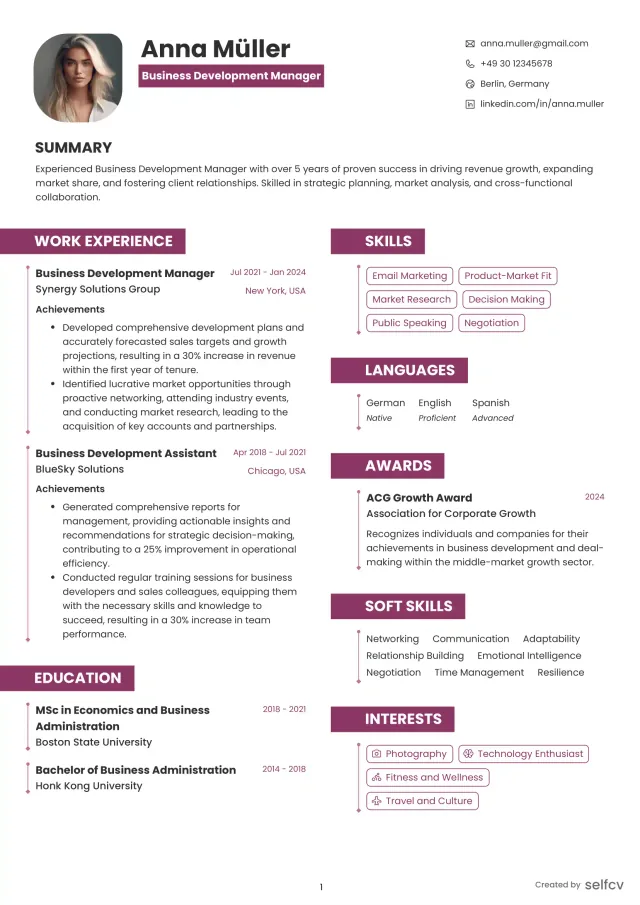
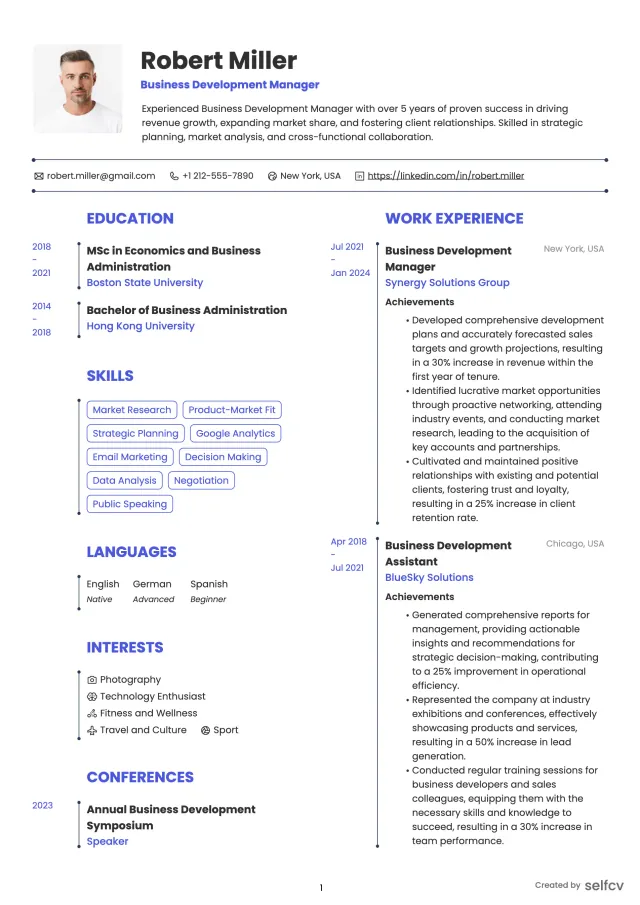
Find the template that’s right for you
No need to build anything from scratch. Using our templates or upload feature, you’ll get started easily and have a powerful resume in a few clicks.
Achievement examples - weak to strong rewrites
Example 1:
Weak:
- Managed servers and applied updates.
Strong:
- Automated patching for 250 Linux servers with Ansible, cutting manual update time from 4 days to 6 hours and decreasing post-update incidents by 45%.
Why it works:
- Shows tool, scale, metric and clear result.
Example 2:
Weak:
- Helped with cloud migration.
Strong:
- Migrated 150 VMs from VMware to AWS using Terraform, validated recovery procedures, and reduced infrastructure cost by 18% through rightsizing and reserved instances.
Why it works:
- Describes scope, tool, validation, and direct business impact.
Example 3:
Weak:
- Responded to incidents in production.
Strong:
- Led incident response for database outages, created postmortems, and reduced MTTR from 120 to 30 minutes over six months via tuned monitoring and runbooks.
Why it works:
- Quantifies MTTR improvement and links it to specific actions.
Career-level summary and objective examples
Entry-level (0-2 years)
- Objective: Junior System Administrator with hands-on Ubuntu and Windows Server lab experience, seeking an entry role to contribute scripting and monitoring skills to a 24x7 operations team.
Mid-level / Systems Administrator (3-6 years)
- Summary: Systems Administrator with 4 years managing hybrid Linux and VMware environments, skilled in Ansible automation and AWS operations, with track record of reducing incidents and improving deployment cadence.
Senior / Lead System Administrator (7+ years)
- Summary: Senior Systems Administrator focused on infrastructure automation, cloud migrations, and operational reliability. Proven leader of 24x7 teams, responsible for SLA delivery, capacity planning, and architecture improvements.
Career changer (helpdesk to sysadmin)
- Objective: Former IT Support Analyst transitioning to Systems Administration; experienced in AD, Windows imaging, and junior Linux administration. Seeking to apply scripting and automation training to platform operations.
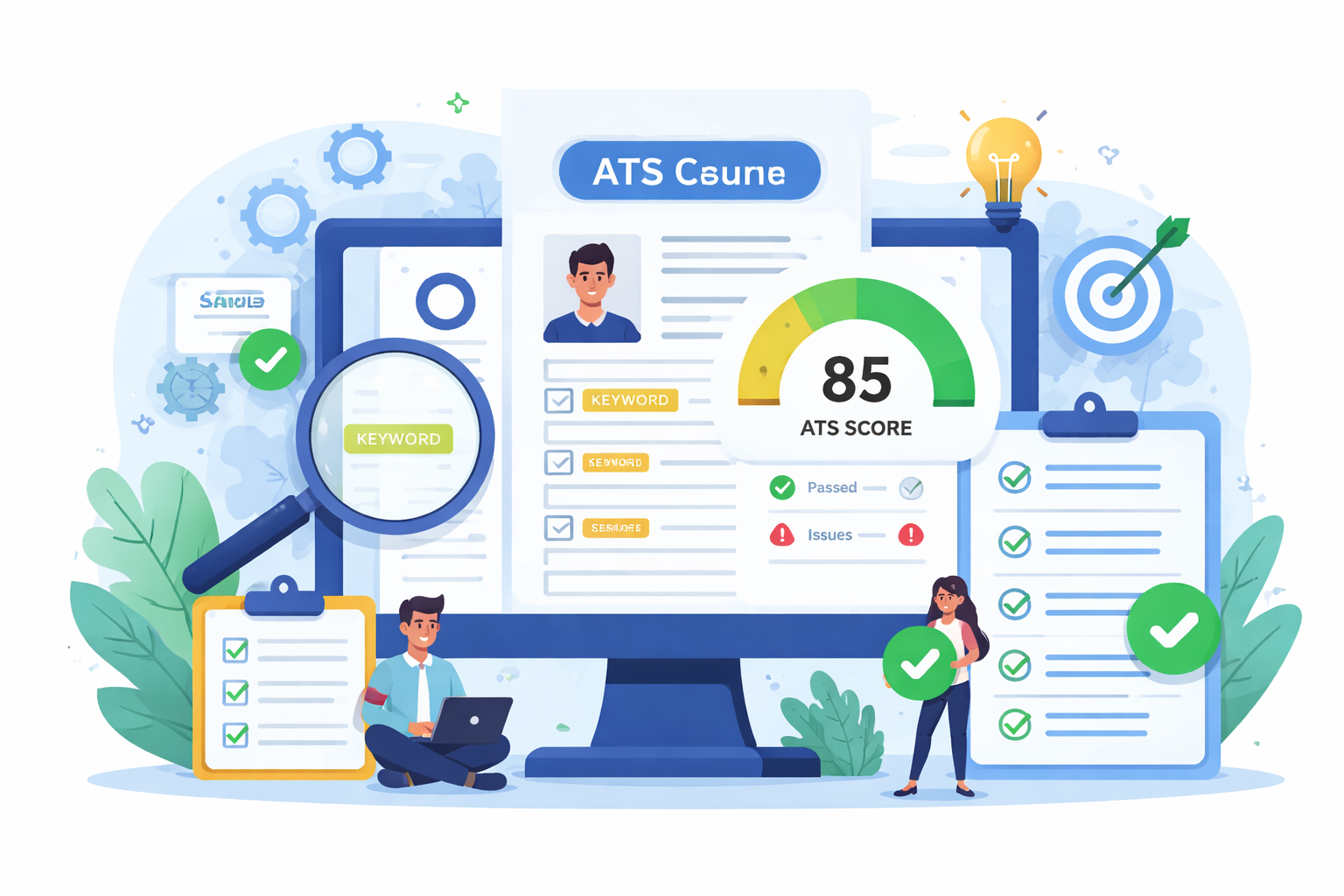
Check Your Resume with ATS
Make sure your resume passes Applicant Tracking Systems before recruiters see it.
- 📄 Upload your resume and get instant ATS feedback
- 🎯 Improve keyword matching for your target job
- ⚡ Boost your chances of getting shortlisted
Projects, portfolio and automation playbook examples
What to include in your portfolio
- Ansible playbook for patching or configuration (sanitized) with README explaining inventory and usage.
- Terraform module showing modular infrastructure provisioning with variables and outputs.
- Runbook examples for common incidents with step-by-step recovery commands.
- Postmortem summaries that show detection, mitigation, root cause, and follow-up actions.
Safe portfolio practices
- Remove sensitive data and hostnames.
- Provide anonymized screenshots of monitoring dashboards with axis labels only.
- Include usage notes and how to run locally.
Portfolio example idea
- Playbook: "linux-patching.yml" that iterates across inventory, runs package manager updates, reboots where needed, and records results to a log; include a small sample inventory and an explanation of pre-checks.
On-call, SLAs and incident management - what to include
Key things hiring teams want to see
- Scope of on-call rotations (team size, frequency, pager responsibility).
- SLA targets and how you helped meet them (uptime %, response and resolution times).
- Postmortem ownership and improvements implemented.
How to write it on your resume
- Phrase example: "Participated in 1:6 on-call rotation covering 24x7 services for 10,000 users; reduced P1 MTTR from 120 to 30 minutes by improving alert routing and runbooks."
- If SLA figures are contract-sensitive, provide percentages or relative improvements instead of absolute numbers.
Converting helpdesk experience into a sysadmin resume
Reframe helpdesk tasks as operational skills
- Desktop imaging and AD resets -> "Managed Active Directory user lifecycle and automated provisioning scripts for 500 accounts."
- Ticket triage -> "Performed incident triage and escalations, producing postmortems and knowledge base articles that reduced repeat tickets by 25%."
- Scripting small fixes -> "Wrote PowerShell scripts to automate account creation, saving 5 hours of admin work per week."
Example before/after bullet
- Before: Resolved user tickets and configured printers.
- After: Automated printer provisioning and user profile fixes, cutting setup time from 30 to 8 minutes per workstation and enabling faster new-hire onboarding.
Resume formatting and ATS tips for 2026
File and format
- Use a single-column layout and save as PDF or ATS-friendly DOCX based on employer instructions.
- Avoid headers and footers for critical contact information.
Keyword and content strategy
- Put high-value keywords in Core Technical Skills and sprinkle them naturally into experience bullets.
- Use exact phrasing from the job posting for required skills.
Other tips
- Keep length to 1-2 pages depending on experience.
- Name your file with your name and role, e.g., elias-navarro-sysadmin-2026.pdf.
- Use simple fonts and standard section headings like Professional Summary, Skills, Experience.
Interview prep and role alignment - SRE vs Sysadmin vs DevOps
How roles differ and what to emphasize
- Systems Administrator: emphasize operations, patching, backup, identity, and incident response.
- DevOps: emphasize automation for CI/CD and developer-facing platforms.
- SRE: emphasize service-level objectives, error budgets, and software reliability practices.
Talking points for interviews
- Be ready to explain a recent incident: detection, mitigation, root cause, and what you automated afterward.
- Explain an automation project with your repo structure and testing approach.
- Describe monitoring choices and why certain alerts were tuned or suppressed.
Hiring evaluation criteria and red flags
What signals hiring teams look for
- Clear depiction of production ownership and measurable outcomes.
- Evidence of automation and repeatability, such as playbooks or Terraform modules.
- Consistent tooling and platforms that match the job.
Red flags to avoid
- Vague statements like "responsible for servers" without scope.
- No mention of on-call experience for ops roles.
- Portfolio links that fail to run or contain unredacted production data.
FAQs - common search intent questions answered
What should I include on a system administrator resume in 2026?
- Include a short summary, grouped technical skills, achievement-focused experience bullets, on-call scope, and links to automation or runbook samples.
How do I write a sysadmin resume that passes ATS?
- Use grouped keywords matching the job posting, place key platforms and tools in a Skills section, and repeat platform names in context in experience bullets.
What keywords do recruiters look for on a system administrator resume?
- linux, windows server, active directory, aws, terraform, ansible, powershell, vmware, monitoring, backup, virtualization.
How do I show automation and scripting work on my resume?
- Give the tool, scope, and measurable result. Example: "Automated backup verification across 200 VMs with a Python script, reducing nightly failures by 70%."
How to convert helpdesk experience into a system administrator resume?
- Reframe support tasks as operational ownership, quantify impact, and highlight any scripting or process improvements you implemented.
Should I include on-call duties and SLAs on my resume?
- Yes. State rotation frequency, team size, SLA targets, and any MTTR improvements you contributed to.
Related careers and logical next moves
Careers to consider from systems administration
- Network Administrator
- DevOps Engineer
- Site Reliability Engineer (SRE)
- IT Support Specialist
- Cloud Engineer
How they differ
- Network Admin focuses more on switches, routing, and infrastructure connectivity.
- DevOps and Cloud roles lean more toward automation and service delivery.
- SRE emphasizes reliability, SLOs, and software-like approaches to operations.
Conclusion, 10-point practical checklist and next steps
Short conclusion
- A strong 2026 system administrator resume makes keywords visible to ATS and proves operational ownership with measurable wins. Focus on automation, incident outcomes, and a small portfolio that demonstrates repeatability.
10-point practical checklist
- Include a concise Professional Summary stating stack and top metric.
- Add a Core Technical Skills section with grouped keywords.
- Use Action + System + Scale + Result for experience bullets.
- Quantify uptime, MTTR, incident reduction, automation hours saved.
- List tools and deliverables like Terraform, Ansible, runbooks.
- Show on-call scope and SLA responsibilities.
- Provide at least one sanitized automation or runbook in a portfolio link.
- Keep layout simple and ATS-friendly.
- Name file clearly and follow application instructions.
- Verify any certification claims and keep them accurate.
Next action by experience level
- Entry: Build a small playbook or patching script and add it to GitHub with a README.
- Mid: Publish one runbook and an automation repo that demonstrates a time-saving result.
- Senior: Prepare a case study of a migration or incident postmortem and include metrics and lessons.
Final note
- Validate any region-specific compliance or data handling rules before sharing runbooks or logs publicly.
Why job seekers choose selfcv
Thousands of professionals use selfcv to build modern, ATS-friendly resumes, customize templates, and apply for jobs with confidence.
Thanks to SelfCV, I now have a professional and polished resume that I'm confident in sending to potential employers. I will definitely be recommending your service to other job seekers. Keep up the great work!
SelfCV offers an intuitive interface that makes creating a professional CV straightforward. Whether you're a student, a fresh graduate, or an experienced professional, the step-by-step process ensures that users of all levels can craft an impressive CV.
Easy to use resume builder. They have very intuitive ui for customizing and keeping multiple versions of resume.
The right tool for creating CVs. As a student I was looking for a tool that could help me quickly create a CV for internship applications. This was just the right tool. I am very satisfied!
This is one of the best tools I’ve ever used - I was able to build my CV in seconds with high quality template. Highly recommended!
Amazing app with easy user experience. Loved it. Its intuitive and easy to navigate, designs are very nice.
