
UI Designer Resume Playbook 2026: Portfolio-Linked, ATS-Proof Bullets for Mobile, Dashboards and Design Systems
Written by Armen Mkhitaryan
Scenario: Hiring teams in 2026 see many resumes that list "UI" skills but lack evidence of interaction outcomes, handoff artifacts, or component-level work. This guide focuses on fixing exactly that with three annotated resume examples, a portfolio-to-resume conversion checklist, and ATS and recruiter tactics tailored to UI design roles.
What you get in this article:
- Three targeted resume templates (junior mobile UI, mid-level enterprise dashboard, senior design system lead).
- How to translate case-study artifacts into measurable resume bullets.
- ATS keywords and 2026 formatting tips that keep visual detail searchable and recruiter-friendly.
Hiring pain points and recruiter evaluation for UI resumes
Common hiring pain points for UI roles in 2026:
- Resumes list tools (Figma, Sketch) but not deliverables (components, tokens, animation specs).
- Hard-to-find portfolio links or mismatched artifacts for role (mobile vs enterprise).
- No measurable interaction outcomes (time-to-task, conversion lift, developer handoff time).
How hiring managers and recruiters read UI resumes:
- Quick scan for role fit: mobile UI vs web dashboard vs design systems.
- Look for evidence of production work: shipped screens, component contributions, design tokens.
- Evaluate collaboration: handoff artifacts (Figma libraries, Zeplin tokens), cross-functional outcomes with PMs and engineers.
Scorecard recruiters use (implicit):
- Role match (mobile/web/system) 30%
- Tangible deliverables and artifacts 30%
- Measurable impact 25%
- Tool and process fluency (Figma, prototyping, accessibility) 15%
ATS keywords and phrasing that actually work for UI Designer resume searches
Include exact phrases and long-tail keywords that ATS and recruiters search for in 2026:
- UI Designer resume
- UI designer CV
- user interface designer resume
- mobile UI designer
- product UI designer
- design system contributor
- component library
- microinteractions
- interaction specs (or interaction design specs)
- design tokens
- Figma library management
- prototype (Figma/ProtoPie)
- accessibility (WCAG, screen reader testing)
- handoff to engineering
- cross-functional collaboration with PMs and engineers
Tips for ATS-friendly phrasing:
- Put tool names and deliverables in the Skills section and again inline in experience bullets.
- Use full terms and common acronyms: "Design system (components, tokens)" rather than only "design system".
- Avoid images or PDFs without text for key sections; include a plain-text link to your portfolio in header.
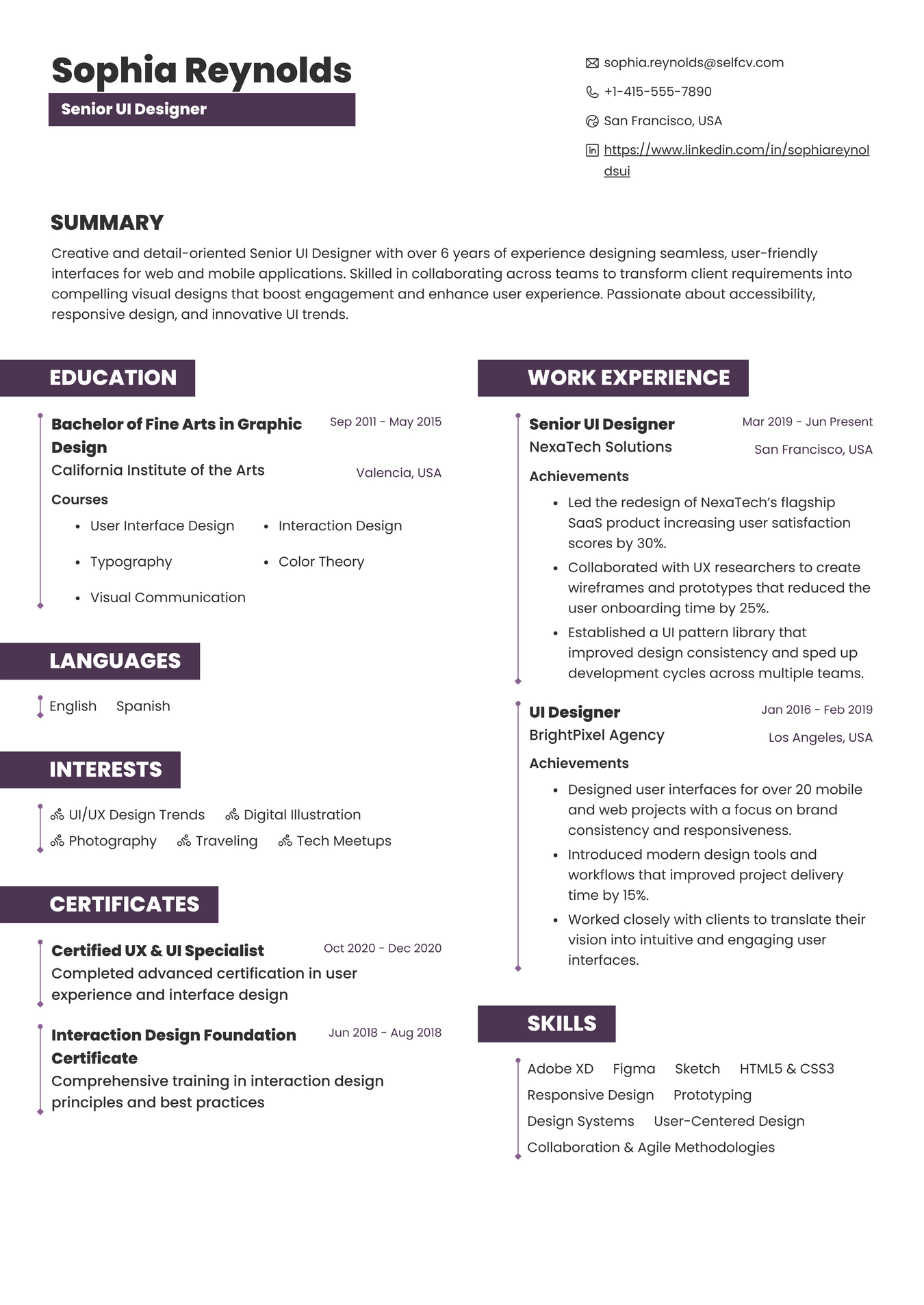
Resume Example for UI Designer
Tools, technical skills, and deliverables to list (UI-specific)
Tools and platforms hiring teams expect:
- Figma (components, variants, libraries, figjam)
- Sketch (symbols, prototyping)
- Adobe XD, Illustrator for visual assets
- ProtoPie, Principle, Lottie for microinteraction prototypes
- Storybook, Chromatic for component review
- Jira, Asana for sprint collaboration
- Web inspector, Chrome devtools for layout checks
Technical skills and deliverables to call out:
- Component libraries (atoms, molecules, templates)
- Design tokens and token source files
- High-fidelity prototypes with interaction specs
- Animation specs and Lottie exports
- Responsive states and adaptive layout documentation
- Accessibility testing and WCAG compliance artifacts
- Handoff artifacts: redlines, CSS snippets, dev tickets with assets
How to format tools and skills on the resume:
- Grouped Skills: Design tools, Interaction & prototyping, Front-end adjacencies (HTML/CSS basics), Accessibility, Design systems.
How to quantify UI design outcomes and translate portfolio artifacts into resume bullets
Quantify visual and interaction outcomes using metrics relevant to UI work:
- Conversion and engagement: "Increased feature completion rate by 18% after redesigning onboarding screens."
- Efficiency and velocity: "Reduced design-to-dev handoff time by 40% by publishing component library and tokens."
- Usability and task metrics: "Lowered time-to-task from 2:30 to 1:45 on key flows via interaction changes."
- Quality and accessibility: "Resolved 95% of automated accessibility issues, achieving WCAG AA for primary pages."
Converting portfolio artifacts into resume bullets:
- Map each bullet to a portfolio artifact: screens, prototype, design tokens, Storybook link, developer ticket.
- State role and scope: "Sole UI designer for mobile onboarding (8 screens, 4 prototypes)."
- Add measurable impact, timeframe, and who benefited: "Result: 12% increase in signups over 6 weeks."
Annotated resume example 1 - Junior UI Designer (mobile app)
Context: junior candidate focused on consumer mobile apps, portfolio case study: onboarding and first-time user flows.
Key resume callouts to include:
- Title: Junior UI Designer or UI Designer
- One-line summary tying UI skills to mobile outcomes
- Experience bullets that map directly to portfolio artifacts
Annotated bullets (example highlights):
- "Designed 8 onboarding screens and a high-fidelity prototype in Figma that reduced first-time task friction." maps to portfolio: onboarding prototype and interaction specs.
- "Collaborated with PM and backend engineer to implement adaptive layouts for 3 breakpoints" maps to handoff: Figma tokens and annotated redlines.
- "A/B tested 2 CTA placements, contributing to a 7% increase in 1-week activation" maps to analytics: experiment dashboard and results.
Use this example to show junior candidates how to emphasize shipped work, collaboration, and measurable outcomes.
Annotated resume example 2 - Mid-level UI Designer (enterprise dashboard)
Context: mid-level designer supporting SaaS analytics dashboards, focus on complex data tables and interaction patterns.
What to highlight:
- Component-level contributions (reusable table, filters, pagination)
- Data-driven outcomes (reduced error rate, faster task completion)
- Cross-team delivery (design QA, Storybook integration)
Annotated bullets (example highlights):
- "Led UI for analytics table component used across 5 products, creating variants and accessibility states" maps to artifact: Storybook component and a11y report.
- "Optimized filter interaction, cutting time-to-filter by 30% and reducing support tickets for data export" maps to metrics: support ticket logs and analytics.
- "Published design tokens and token map to central library, cutting duplicate styles by 60%" maps to artifact: token JSON and commit history.
This mid-level template shows how to present cross-product component work and measurable improvements for product teams.
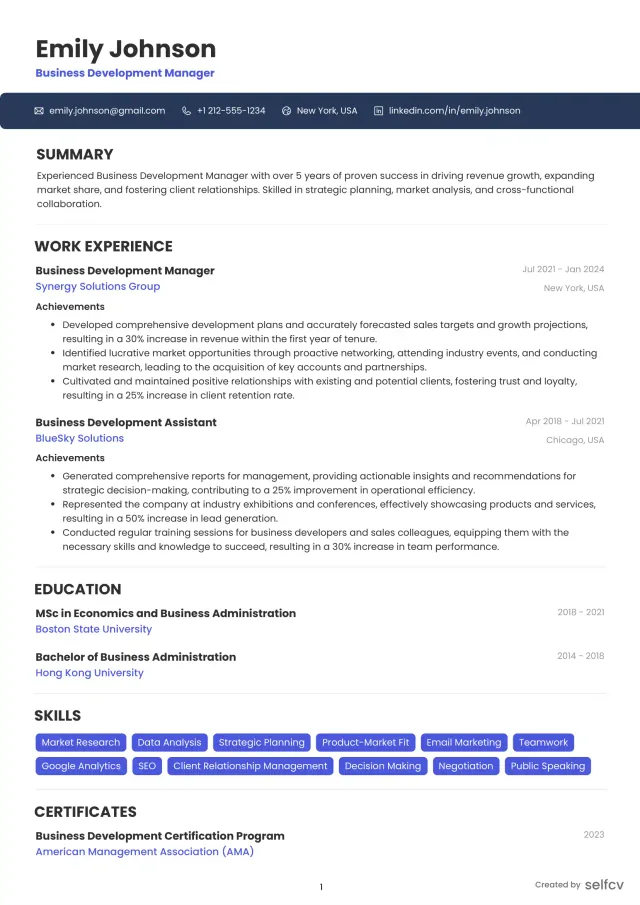
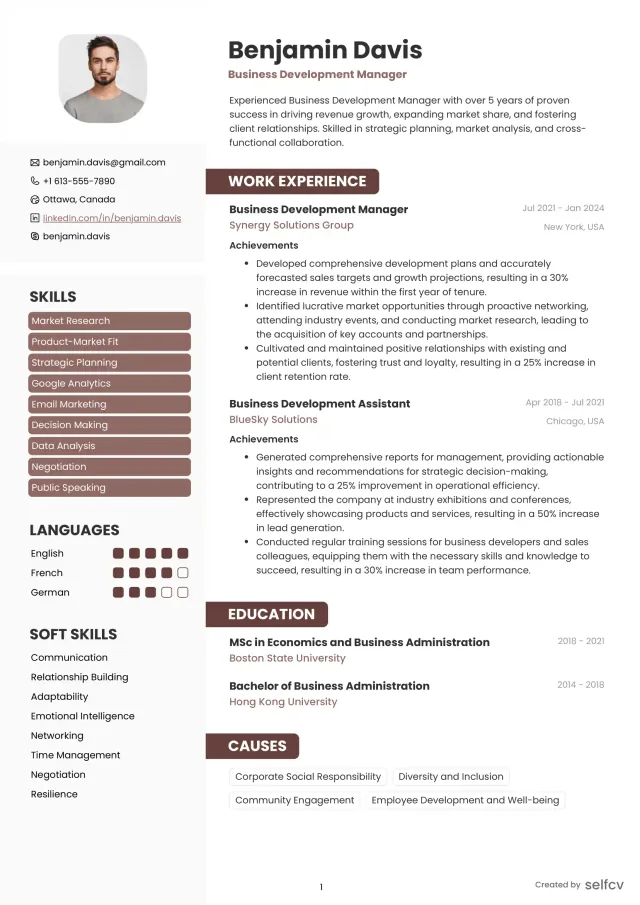
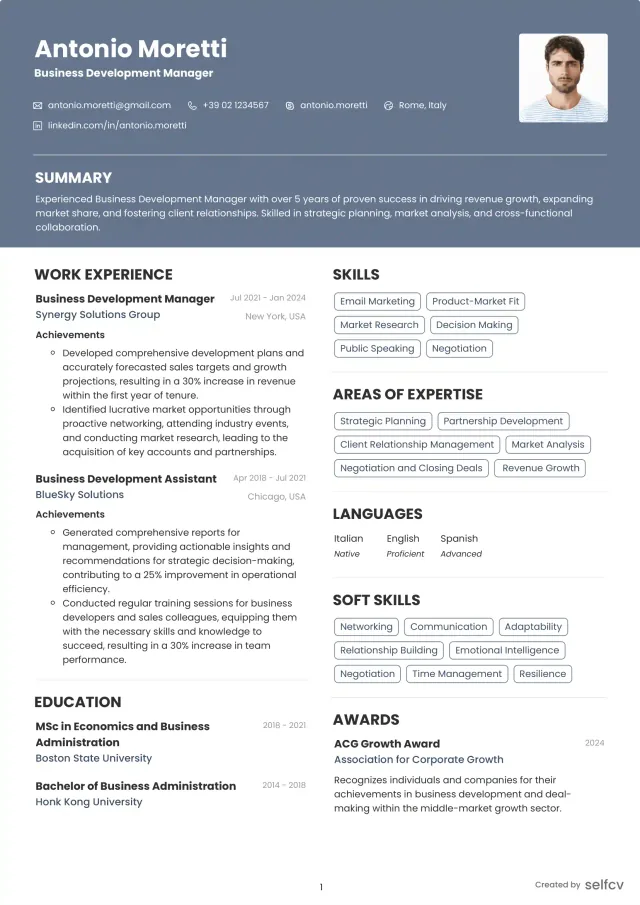
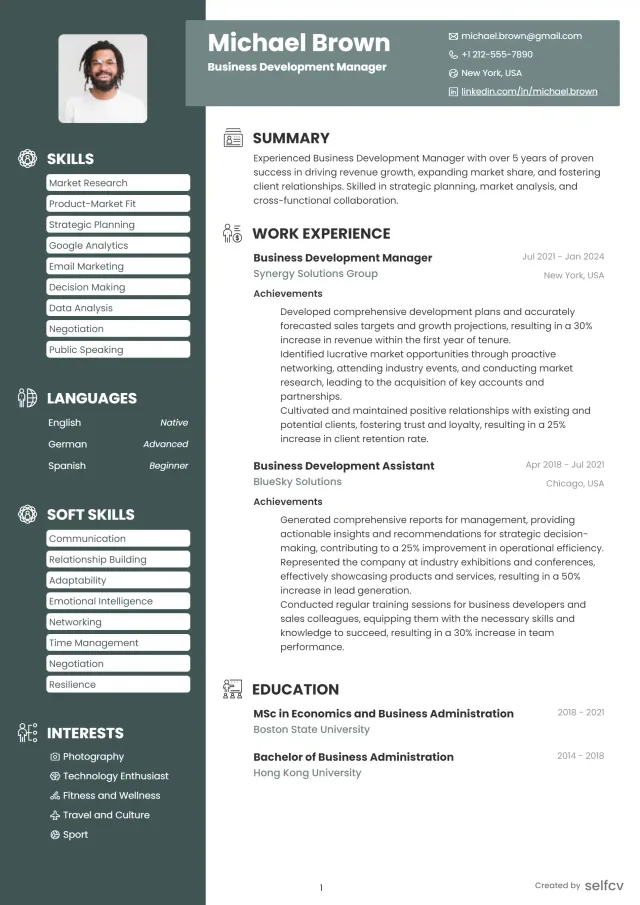
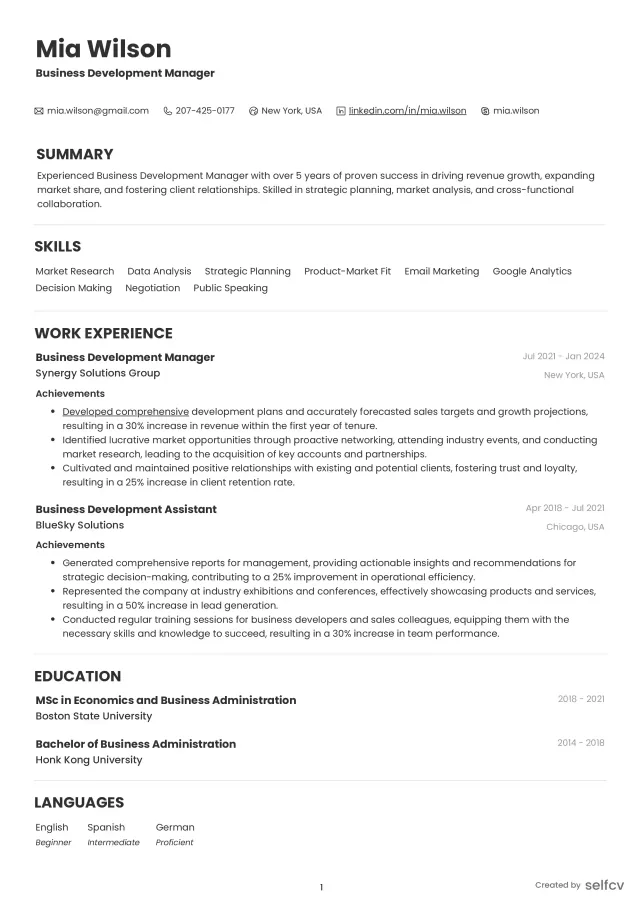
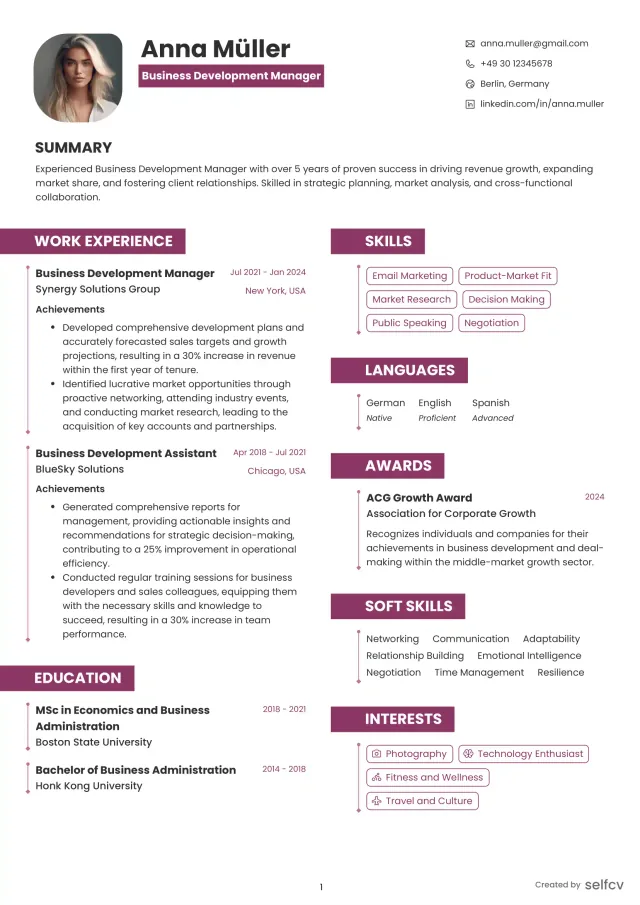
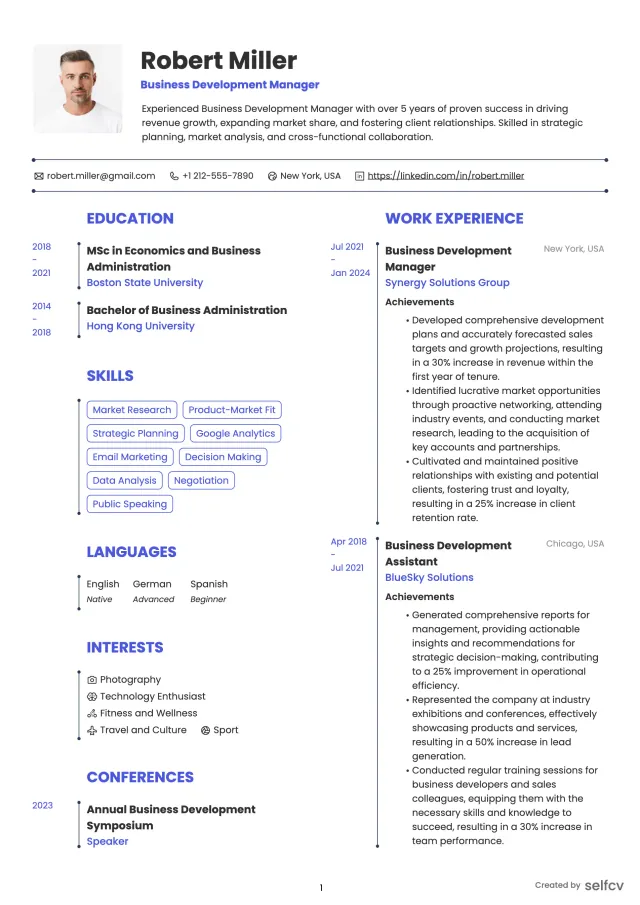
Find the template that’s right for you
No need to build anything from scratch. Using our templates or upload feature, you’ll get started easily and have a powerful resume in a few clicks.
Annotated resume example 3 - Senior UI Designer / Design System Lead
Context: senior designer leading a design system and coordinating UI standards across multiple product teams.
Senior resume priorities:
- Ownership of design system governance
- Quantified impact on developer velocity and UI consistency
- Leadership and mentorship evidence
Annotated bullets (example highlights):
- "Spearheaded company design system, authoring 120+ components, and introduced tokens that reduced UI bugs by 45%" maps to artifact: component catalog, token repo, release notes.
- "Worked with engineering to add Storybook CI checks, decreasing visual regressions by 70%" maps to artifact: Storybook screenshots and CI logs.
- "Mentored 6 designers and ran monthly UI review syncs to standardize interaction patterns" maps to artifacts: review notes and onboarding docs.
Senior candidates should show governance, measurable system-level wins, and process improvements that scale.
Complete resume example (fictional)
The candidate, companies, and career history shown are fictional examples created for illustration and any resemblance to a real person or organization is coincidental.
Maya Patel
Target Position
UI Designer (Mobile & Product Interfaces)
Location
Remote, San Francisco time zone
Professional Summary
UI Designer with 4 years designing mobile and web interfaces for consumer fintech. Skilled in component-driven design, high-fidelity prototyping, and developer handoff. Focused on measurable interaction improvements and accessible interfaces.
Grouped Skills
Design tools: Figma (components, variants, libraries), Sketch
Prototyping: ProtoPie, Principle, Lottie for animations
Design systems: tokens, Storybook integration, component libraries
Front-end basics: HTML, CSS, responsive grids
Accessibility: WCAG AA checks, screen reader testing
Collaboration: Jira, Confluence, cross-functional sprints
Professional Experience:
Product UI Designer, NovaWallet (fintech startup) 2023-2026
- Designed and shipped 12 mobile screens for the onboarding and payments flows; created interactive Figma prototypes used in usability studies.
- Reduced onboarding drop-off by 14% over 6 weeks after redesigning the payment setup microinteractions.
- Created a 40-component library with tokens and variants; integrated token JSON to the dev repo, reducing duplicated styles by 55%.
- Documented accessibility states and fixed 98% of automated WCAG failures on primary screens.
UI Designer, ShopEase (e-commerce) 2021-2023
- Led UI for checkout flow redesign, implementing microinteractions that decreased time-to-complete by 22%.
- Partnered with engineers to export Lottie animations and provide CSS snippets for smoother handoff.
- Ran weekly design handoff sessions and maintained Storybook pages for 15 shared components.
Junior Visual Designer (contract), Studio Lane 2020-2021
- Produced visual assets and mobile screens for client apps, learning componentization and prototype workflows.
- Supported accessibility QA and prepared assets for development.
Education / Training
BA Graphic Design, University of California, 2020
Interaction Design Foundation courses: Mobile UX Design, Design Systems
Certifications
CPACC (Certified Professional in Accessibility Core Competencies)
Figma Certified Interface Designer (course completion)
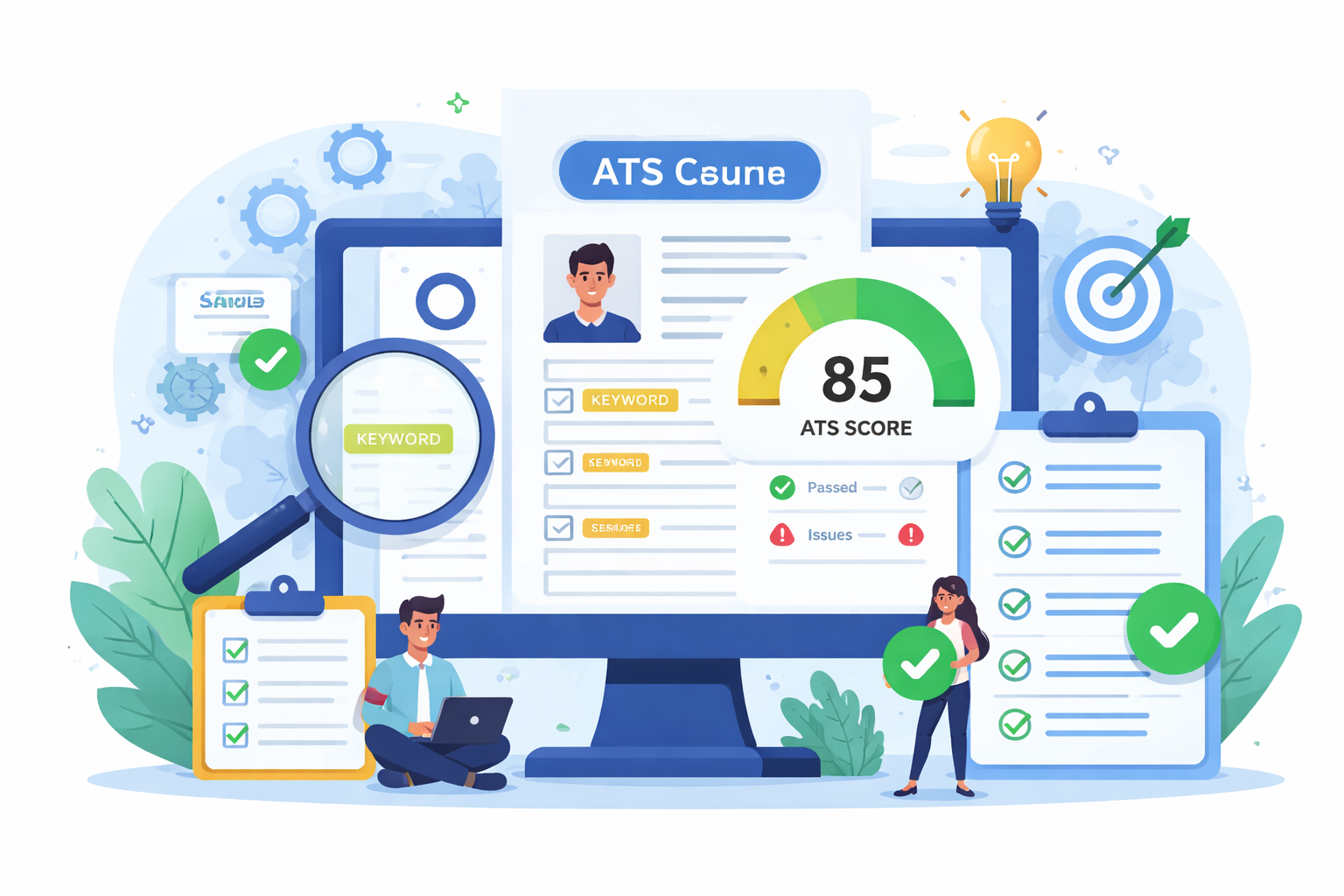
Check Your Resume with ATS
Make sure your resume passes Applicant Tracking Systems before recruiters see it.
- 📄 Upload your resume and get instant ATS feedback
- 🎯 Improve keyword matching for your target job
- ⚡ Boost your chances of getting shortlisted
Portfolio-to-resume micro case studies: map artifacts to bullets
Micro case study 1 - Mobile onboarding (Junior UI example):
- Portfolio artifacts: Figma prototype, interaction specs, usability test video, analytics before/after.
- Resume bullet: "Designed 8 onboarding screens and a high-fidelity prototype that reduced time-to-first-task by 26% over 4 weeks." maps to prototype and analytics.
Micro case study 2 - Enterprise analytics table (Mid-level example):
- Portfolio artifacts: Storybook component, token map, before/after usability test, support ticket reduction logs.
- Resume bullet: "Built reusable analytics table component and published to Storybook; reduced data-entry errors by 18% across 3 products." maps to Storybook and error report.
Micro case study 3 - Design system rollout (Senior example):
- Portfolio artifacts: component catalog, token repo, release notes, Visual Regression CI reports.
- Resume bullet: "Launched design system with 120 components and tokens, cutting UI inconsistencies by 60% and accelerating dev delivery." maps to token repo and CI reports.
How to attach artifacts on the resume or portfolio link:
- Link to specific case-study anchors, and label each anchor with the artifact: prototype, Storybook, token repo, accessibility report.
- In resume bullets, put short artifact cues in parentheses, e.g., (Figma prototype, Storybook).
Achievement examples: weak-to-strong UI resume lines
Example 1:
Weak:
- Improved onboarding screens.
Strong:
- Redesigned onboarding screens and prototype, reducing first-time task completion time from 2:30 to 1:40 and increasing signups by 12% in 6 weeks.
Why it works:
- Adds scope, measurable outcome, baseline, and timeframe.
Example 2:
Weak:
- Helped with a design system.
Strong:
- Authored 60+ components and tokens for a cross-product design system, reducing duplicated styles by 60% and shortening dev handoff time by 40%.
Why it works:
- Specifies contribution, scale, and measurable impact on workflow.
Example 3:
Weak:
- Worked on dashboard UI.
Strong:
- Led UI for enterprise dashboard filters and microinteractions, cutting average task time from 3:15 to 2:15 and lowering support tickets related to data export by 25%.
Why it works:
- Connects UI changes to specific task metrics and support outcomes.
Career-level summary and objective examples
Entry-level / Junior UI Designer summary:
- Recent UI graduate with internship experience in mobile interface design. Proficient in Figma and prototyping, focused on component-based design and user-testing insights to improve onboarding flows.
Mid-level UI Designer summary:
- UI Designer with 3-6 years building dashboards and consumer mobile interfaces. Experienced with Figma libraries, Storybook workflows, and measurable improvements to task completion and conversion.
Senior UI Designer summary:
- Senior UI Designer and design system lead with 6+ years scaling component libraries, driving design tokens adoption, and improving dev velocity through Storybook and CI integration.
Career changer (front-end dev to UI Designer) objective:
- Front-end developer transitioning to UI design, leveraging HTML/CSS skills and Figma component knowledge to deliver production-ready UI assets and faster handoff to engineering.
Skills checklist and quality standards for UI resumes
Checklist to include and verify:
- Role-fit keyword in headline (Mobile UI, Product UI, Design System)
- Portfolio link visible in header and plain text for ATS
- Grouped Skills section with tools and deliverables
- 3-5 experience bullets per recent job with metrics or artifact cues
- At least one design-system or component bullet for mid-senior roles
- Accessibility and WCAG results where relevant
Quality standards and compliance expectations:
- Accessibility: show WCAG level or testing process
- Design tokens: show source and JSON or token file reference
- Production evidence: links to Storybook, prototype, or repo commits
- Versioning: note library versioning and release cadence for design systems
How to tailor a UI resume for different industries and roles
SaaS/Enterprise dashboards:
- Emphasize component reuse, data visualization patterns, accessibility, and developer handoff artifacts like Storybook.
Consumer mobile startups:
- Highlight rapid prototyping, A/B tests, microinteraction animation work, and conversion or retention metrics.
Healthtech/Fintech:
- Include compliance-aware design practices, privacy-related UI flows, and accessibility for critical users.
Career change from front-end dev to UI:
- Surface front-end skills (CSS, responsive layout) and pair them with Figma component work to show credibility on both sides of handoff.
FAQs (search-intent focused)
How do I write a UI designer resume that passes ATS in 2026?
- Use role-specific keywords, include tools and deliverables, provide a plain-text portfolio link in the header, and repeat important keywords in experience bullets.
What UI designer skills should I list on my resume for mobile apps?
- Figma (variants, libraries), ProtoPie or Principle for microinteractions, responsive layout, animation exports (Lottie), usability testing, and mobile accessibility checks.
How to quantify UI design work on a resume (metrics and examples)?
- Use conversion lift, time-to-task reductions, error/support-ticket decreases, design-to-dev handoff time improvements, and component reuse metrics.
What portfolio artifacts should a UI designer link from a resume?
- High-fidelity prototypes, Storybook or component catalog, token repo snapshot, animation exports, accessibility reports, and before/after analytics dashboards.
How to format a UI resume for recruiters vs hiring managers?
- Recruiters: concise role-match, skills, and one-line measurable wins. Hiring managers: include artifact cues, component-level contributions, and links to deeper case studies.
Can a front-end developer transition to a UI designer role—resume tips?
- Emphasize component work in Figma, prototyping, interaction specs, and pair front-end achievements with UI outcomes to show transferable impact.
Related careers
Careers closely related to UI design that hiring teams may consider:
- Product Designer
- Interaction Designer
- Visual Designer
- UX Researcher
- Front-end Developer
- Design Systems Engineer
Notes on differences:
- Product Designer often includes strategy and UX research responsibilities in addition to UI.
- Interaction Designer focuses more on flows and microinteractions than visual polish.
- Visual Designer emphasizes branding and high-fidelity visuals versus system-level component work.
Conclusion, checklist, and 30/60/90-day improvement plan
Unique conclusion for UI Designers:
- Recruiters want proof you shipped interfaces, reduced friction, and enabled engineers. Your resume should be a map to your portfolio artifacts and measurable outcomes.
Quick practical checklist before you submit a resume:
- Header has role and plain-text portfolio URL
- Grouped Skills with tools and deliverables
- 3-5 bullets for each recent role with at least one measurable result or artifact cue
- Include design-system, accessibility, or prototype artifacts if applicable
- Save as ATS-friendly PDF and keep a plain-text version for online forms
30/60/90-day resume and portfolio improvement plan:
- Day 1-30: Audit current resume, add artifact cues, update header portfolio link, and standardize Skills section.
- Day 31-60: Create 2 case-study anchors (prototype and component); add measurable metrics and before/after screenshots; add Storybook or token examples.
- Day 61-90: Run usability tests on one case study, collect metrics, refine bullets to show impact, and prepare 3 role-targeted resume versions (mobile, SaaS dashboard, design system).
Copy-paste achievement lines by specialization:
- Mobile app UI: "Redesigned onboarding prototype in Figma, reducing time-to-first-task by 26% and increasing 7-day retention by 9%."
- Enterprise dashboard: "Built reusable analytics table component (Storybook) that reduced data entry errors by 18% across 3 products."
- Design system lead: "Launched design system with 120 components and token mapping, cutting UI inconsistencies by 60% and shortening dev handoff time by 40%."
Customization prompts for target industries:
- SaaS: emphasize component reuse, Storybook, and dev handoff metrics.
- Startups/mobile: emphasize A/B tests, microinteractions, and rapid prototyping.
- Regulated sectors: emphasize accessibility, privacy-aware UI patterns, and compliance checks.
Next actions and resources to consult:
- Portfolio case study templates for UI designers
- Figma best practices and prototyping tool guides
- Interview prep focused on design critiques and handoff scenarios
Final note: Treat your resume as the index to your portfolio. Make each bullet linkable to an artifact or metric so hiring teams can verify the UI work quickly.
Why job seekers choose selfcv
Thousands of professionals use selfcv to build modern, ATS-friendly resumes, customize templates, and apply for jobs with confidence.
Thanks to SelfCV, I now have a professional and polished resume that I'm confident in sending to potential employers. I will definitely be recommending your service to other job seekers. Keep up the great work!
SelfCV offers an intuitive interface that makes creating a professional CV straightforward. Whether you're a student, a fresh graduate, or an experienced professional, the step-by-step process ensures that users of all levels can craft an impressive CV.
Easy to use resume builder. They have very intuitive ui for customizing and keeping multiple versions of resume.
The right tool for creating CVs. As a student I was looking for a tool that could help me quickly create a CV for internship applications. This was just the right tool. I am very satisfied!
This is one of the best tools I’ve ever used - I was able to build my CV in seconds with high quality template. Highly recommended!
Amazing app with easy user experience. Loved it. Its intuitive and easy to navigate, designs are very nice.
