
UX Designer Resume 2026: Build ATS-Friendly Profiles, Portfolio Callouts and Measurable UX Outcomes
UX Designer Resume 2026: Build ATS-Friendly Profiles, Portfolio Callouts and Measurable UX Outcomes
Written by Armen Mkhitaryan
What this guide does
- Shows what must stand out in a 30-second recruiter scan: role, impact, tools, portfolio link
- Gives ATS-aware keyword and formatting guidance for 2026
- Includes three annotated makeovers, portfolio callouts, and a complete fictional resume example

30-second scan: recruiter pain points and what must jump off the page
Common pain points hiring teams want fixed fast
- Too many vague verbs and no measurable outcomes
- Hard-to-find portfolio links or no case study context
- Walls of tool lists without project-level responsibilities
What must be readable in 30 seconds
- Target role line (Product UX Designer, Senior UX Designer, Accessibility UX Designer)
- One-line impact summary with a metric or product outcome
- Top 6 skills and the primary tools (Figma, research tools, prototyping)
- Clear portfolio link labeled with a case study hint
Quick checklist for the top of the resume
- Role title that matches the job posting
- One-line outcome statement with a metric or deliverable
- Grouped skills under headings like Research, Interaction Design, Prototyping
- Portfolio link with a parenthetical note of 1-2 highlighted case studies
Before / After annotated snippet to set expectations
Before
- UX Designer
- Worked on mobile and web apps, conducted user interviews, created wireframes
After
- Product UX Designer, mobile-first and enterprise experiences
- Improved checkout completion by 18% by redesigning mobile checkout flow (A/B test), led 10 user interviews, shipped high-fidelity Figma prototypes and an accessibility audit
Why the after works
- Role is specific
- Outcome and metric included
- Tools and method shown at the project level
Resume Example for UX Designer
ATS keywords and formatting essentials for 2026
How ATS reads UX resumes in 2026
- ATS looks for exact phrase matches and context around them
- Job-title synonyms help but prioritize the posting language
Essential keyword groups to include where true
- Role and specialization: product UX designer, interaction designer, UX researcher, accessibility designer
- Outcome and metric words: conversion, retention, task completion, usability score, NPS
- Methods and deliverables: user interviews, usability testing, wireframes, prototypes, journey maps, design systems
- Tools: Figma, Sketch, Adobe XD, Miro, Lookback, Hotjar, UserZoom, Amplitude
Formatting tips
- Use simple section headings (Experience, Projects, Skills, Education)
- Avoid headers and footers for critical info like contact and portfolio link
- Save as PDF for design roles unless the posting requests plain text or ATS upload
Skills, tools, deliverables, and technical skills to show
How to group skills so hiring teams scan them quickly
- Research: interviews, contextual inquiry, moderated and unmoderated usability testing, behavioral synthesis
- Design: interaction design, information architecture, wireframing, high-fidelity prototyping
- Tools: Figma, Framer, Miro, Maze, Lookback, Amplitude, Hotjar, HTML/CSS basics
- Accessibility and standards: WCAG 2.1, semantic HTML checks, screen reader testing
Deliverables hiring teams expect to see
- Research plans, interview scripts, affinity maps, journey maps
- Wireframes and prototypes (low to high fidelity)
- Design system components, accessibility audits, usability test reports
Environment and collaboration
- Cross-functional work with PMs, engineers, data scientists, content designers
- Agile and sprint-based delivery
- Remote-first or hybrid collaboration tools and practices
Metrics and outcome language: how to quantify UX impact
What metrics hiring teams value
- Conversion lift, task success rates, reduction in support tickets, time-on-task improvements, NPS improvements
How to write outcome statements that pass a quick screen
- Include baseline, action, and result when possible
- Use product language: feature, funnel, cohort, A/B test, retention
Example templates
- Improved X by Y% by doing Z and validating with N users
- Reduced average task time from A to B through redesigned interaction and validated with usability testing
Measurement notes
- If product metrics are proprietary, use relative language (single-digit percent, mid-double-digit increase) and describe measurement method
- Link to a portfolio case study that contains the method and full data if available
Portfolio case-study callouts and link best practices
How to include portfolio links on the resume
- Place a single clear portfolio link in the header labeled with 1-2 highlighted case studies
- If applying through ATS, include the URL text in the resume body as well
What to preview in resume callouts
- Case study title
- One-line outcome (metric) and the design role you played
- Primary methods used
Example callouts to include under projects
- Mobile checkout redesign - boosted conversion 18% (lead product UX, usability testing, Figma prototypes)
- Enterprise onboarding flow - reduced setup time 35% (interaction design, journey mapping, design system work)
When to include wireframes or screenshots on the resume
- Keep screenshots minimal; use them only for portfolio PDF attachments if requested
- Reserve project depth for the portfolio; the resume should point to which case studies to open
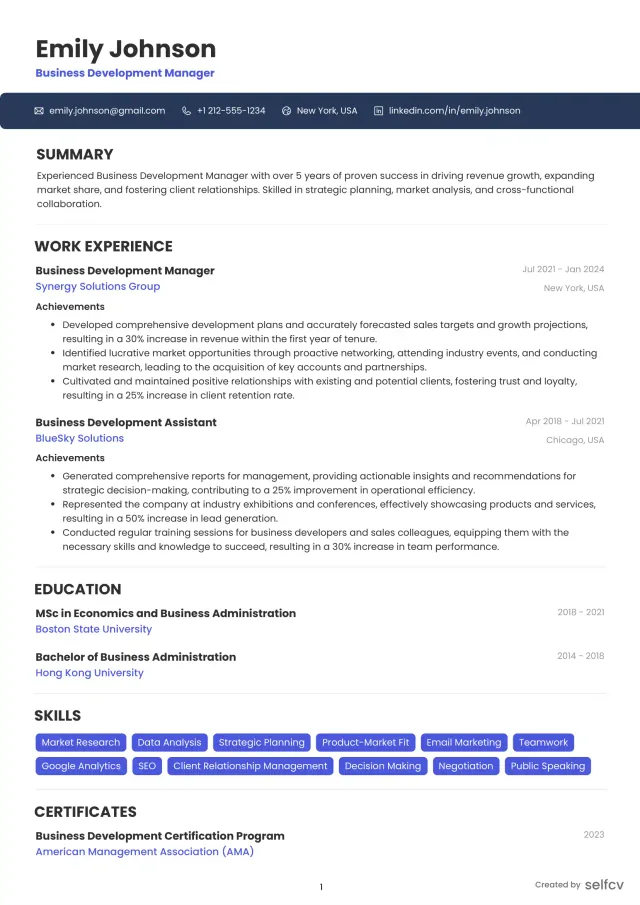
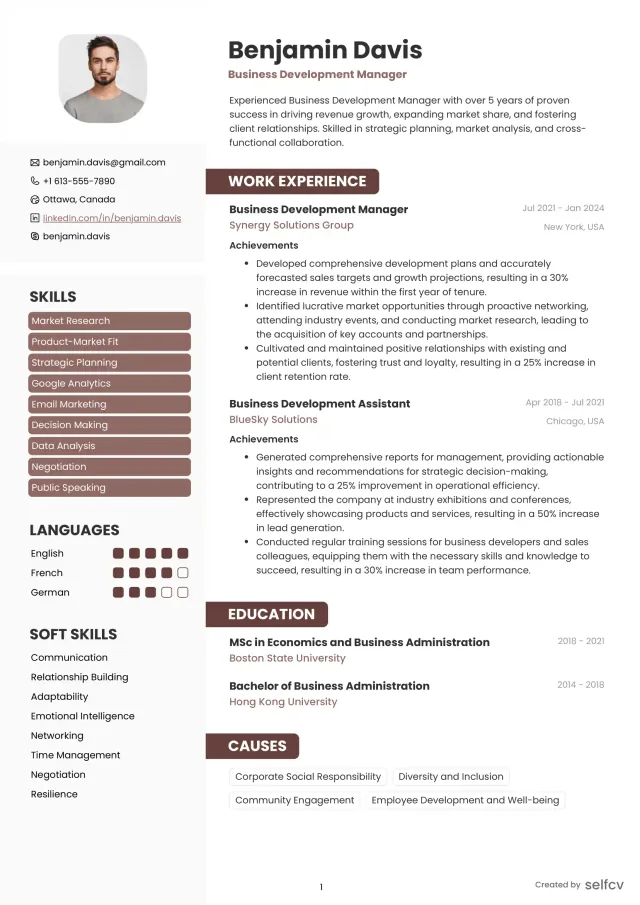
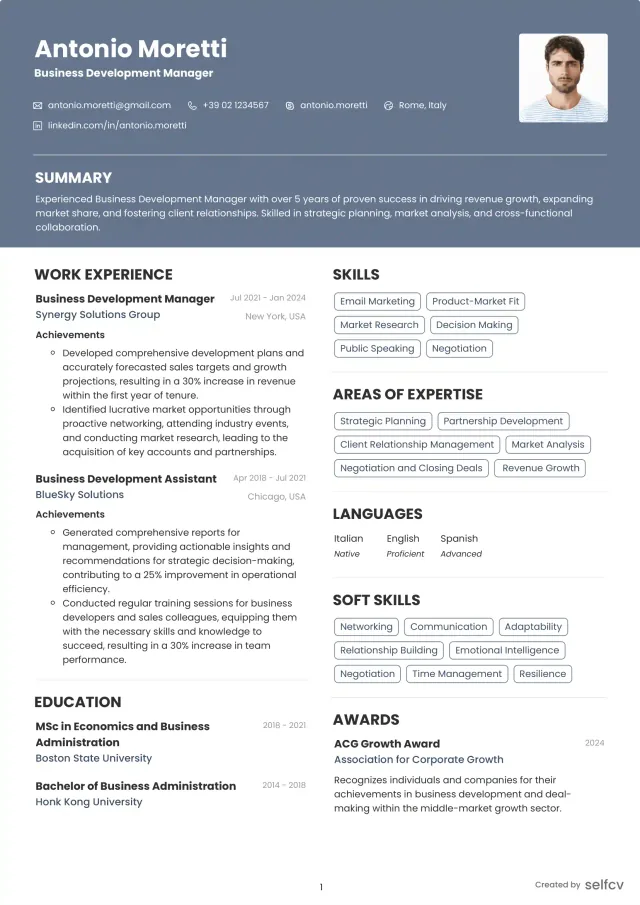
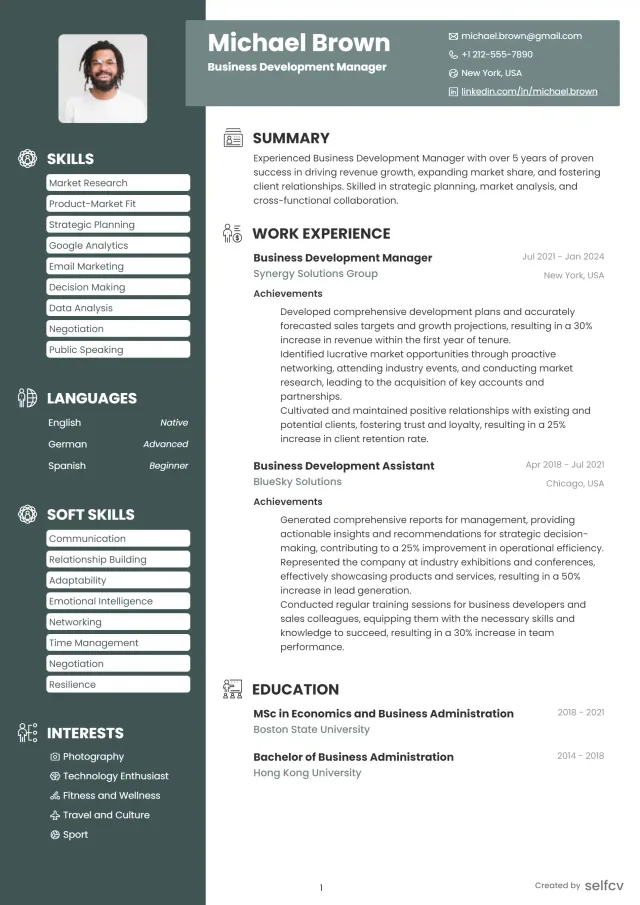
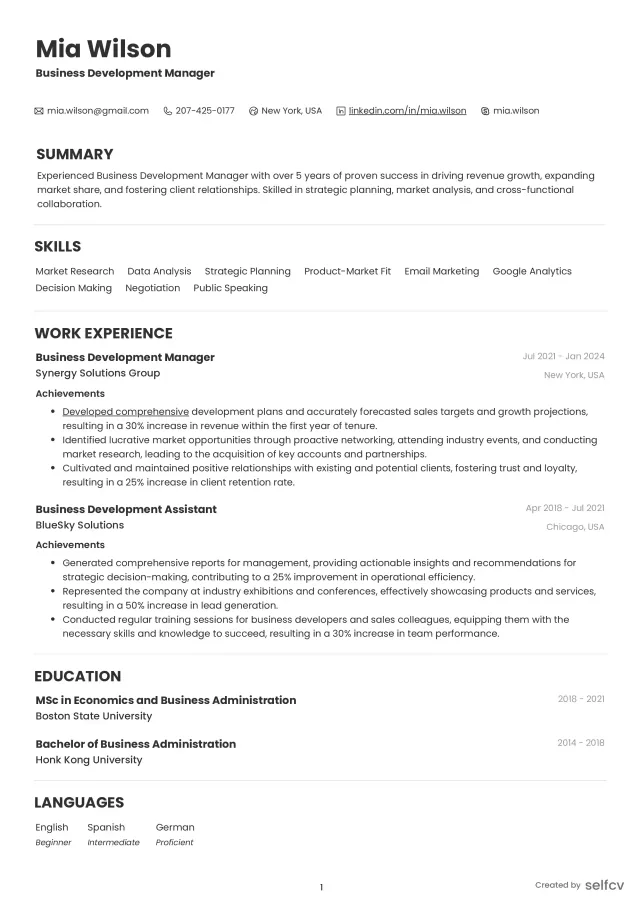
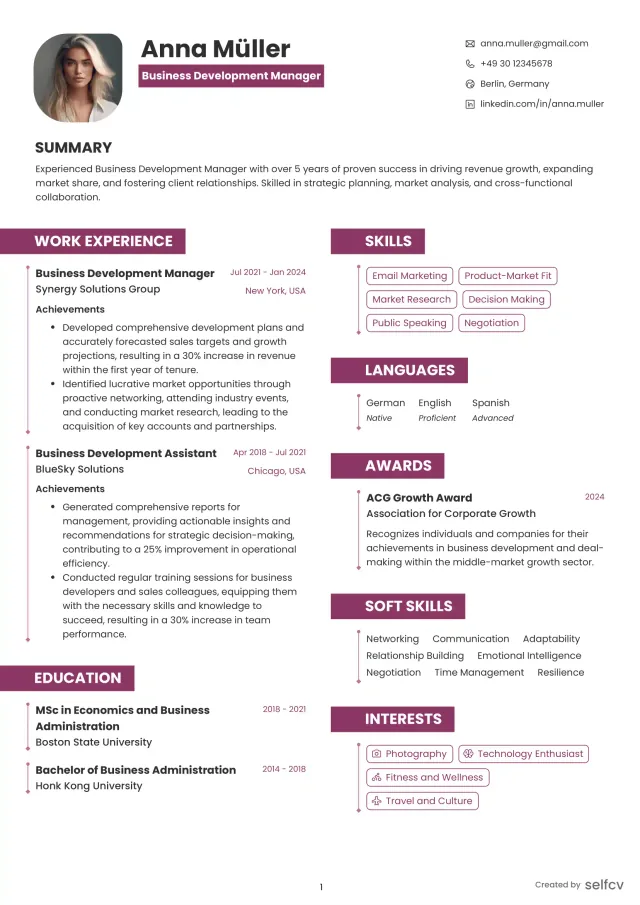
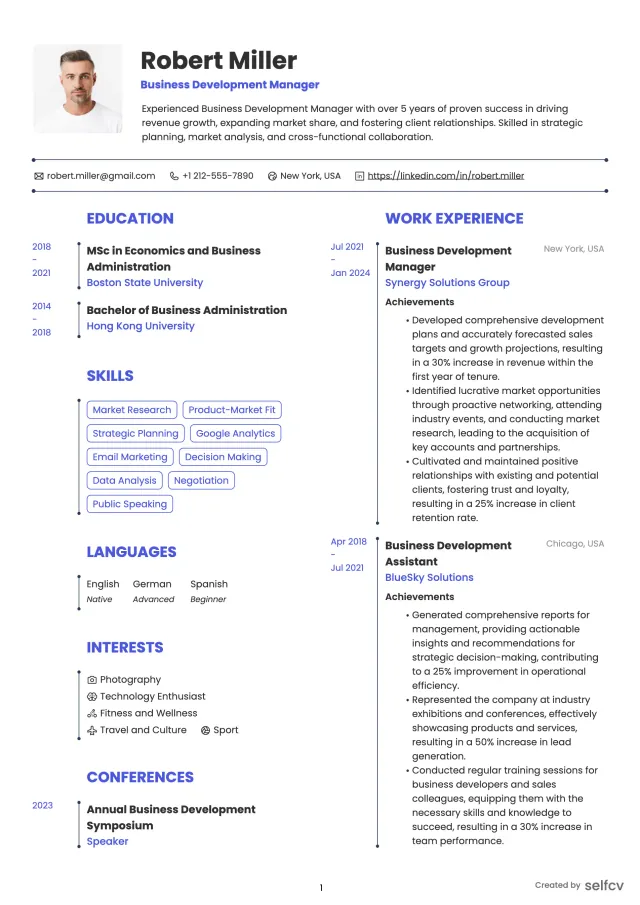
Find the template that’s right for you
No need to build anything from scratch. Using our templates or upload feature, you’ll get started easily and have a powerful resume in a few clicks.
Annotated resume makeover - Entry-level / Junior UX Designer
What to emphasize for 0-2 years
- Process exposure, project outcomes, internships, coursework, capstone projects, tool competency
Sample annotated bullets
- Junior UX Designer, Mobile app redesign (capstone)
- One-line impact: Increased usability task success by 22% in moderated tests with 12 participants
- Methods: user interviews, wireframes, high-fidelity prototype in Figma
Makeover notes
- Replace vague statements like "helped on projects" with exact activities and measurable test results
- Lead with the most relevant project and your specific contribution
Annotated resume makeover - Mid-level UX Designer
What to emphasize for 2-5 years
- Ownership of features, collaboration with PMs and engineers, end-to-end case studies, measurable product outcomes
Sample annotated bullets
- Product UX Designer, Checkout Experience
- One-line impact: Lifted mobile checkout conversion by 12% through redesign and A/B testing
- Role: Led research, prototyping, handoff to engineering, maintained component library
Makeover notes
- Show ownership and cross-functional influence
- Include tools and the measurement approach (A/B test, analytics tool used)
Check Your Resume with ATS
Make sure your resume passes Applicant Tracking Systems before recruiters see it.
- 📄 Upload your resume and get instant ATS feedback
- 🎯 Improve keyword matching for your target job
- ⚡ Boost your chances of getting shortlisted
Annotated resume makeover - Senior / Lead UX Designer
What to emphasize for 5+ years or leadership roles
- Strategy, mentorship, design systems, cross-team initiatives, business outcomes
Sample annotated bullets
- Senior UX Lead, Onboarding & Activation
- One-line impact: Improved 30-day activation by 25% for new users across iOS and web using cohort analysis and targeted flow redesign
- Role: Set research strategy, led a team of 3 designers, coordinated analytics and product changes
Makeover notes
- Include organizational impact and metrics tied to business goals
- Mention mentorship, hiring, or process improvements you led
Complete fictional resume example
The candidate, companies, and career history shown are fictional examples created for illustration and any resemblance to a real person or organization is coincidental.
Ava Morgan
Target Position: Senior Product UX Designer
Location: Seattle, WA (open to remote)
Professional Summary
- Senior Product UX Designer with 7 years designing consumer and enterprise experiences. Focuses on measurable outcomes, accessibility, and scalable design systems. Led cross-functional initiatives that increased activation and reduced support load.
Grouped Skills
- Research: user interviews, usability testing, journey mapping, behavioral synthesis
- Design: interaction design, IA, wireframing, responsive prototyping
- Tools: Figma, Miro, Maze, Lookback, Amplitude, Lighthouse
- Accessibility: WCAG 2.1 audits, screen reader testing, semantic HTML review
Professional Experience:
Product UX Designer, Nimbus Payments, Seattle, WA
2021-2025
- Led mobile checkout redesign that increased checkout completion by 18% (A/B test, 25k users in test window).
- Conducted 20 moderated usability sessions and synthesized findings into prioritized design improvements.
- Built component library in Figma, reducing dev handoff time by 30% and improving consistency across platforms.
- Partnered with analytics to define KPIs, tracked changes via Amplitude and weekly dashboards.
UX Designer, ParkWell Health, Remote
2018-2021
- Redesigned patient onboarding flow, reducing setup time from 14 minutes to 9 minutes (35% reduction) through streamlined screens and progressive disclosure.
- Ran mixed-method research including 40 user interviews and unmoderated tests in Maze.
- Implemented accessibility checklist resulting in WCAG 2.1 AA compliance for the core onboarding flow.
Product Design Intern, RetailLoop, Portland, OR
2016-2018
- Supported user research and created wireframes for a loyalty feature used by 10k+ customers.
- Helped run usability tests and documented recommendations that were implemented in the next release.
Education / Training
- BFA Interaction Design, Pacific Northwest University, 2016
- UX Certificate, Nielsen Norman Group, 2019
Certifications:
- Nielsen Norman Group UX Certification (optional but realistic)
- Certified Usability Analyst (CUA) - Human Factors International (optional)
Achievement examples: weak-to-strong UX bullets
Example 1:
Weak: Redesigned the checkout flow.
Strong: Redesigned mobile checkout flow and increased conversion by 18% in a controlled A/B test with 25k users.
Why it works: The strong example includes scope, method, metric, and validation.
Example 2:
Weak: Conducted user interviews and synthesized findings.
Strong: Conducted 20 user interviews across target segments, synthesized insights into three opportunity areas, and prioritized two features that reduced task time by 22%.
Why it works: Adds scale, concrete outcomes, and ties research to product change.
Example 3:
Weak: Worked on accessibility improvements.
Strong: Led WCAG 2.1 AA audit and implemented fixes that passed screen reader testing and reduced support tickets related to accessibility by 40%.
Why it works: Connects technical work to a measurable user and business outcome.
Resume summaries and objectives by career level
Entry-level objective
- Recent Interaction Design graduate with internship experience in mobile prototyping and usability testing, seeking a junior UX role to apply research skills and build scalable components.
Mid-level summary
- UX Designer with 3 years of experience designing SaaS dashboards and mobile flows. Skilled in user research, prototyping in Figma, and collaborating with engineers to deliver measurable improvements in task completion.
Senior-level summary
- Senior UX Designer with 7 years of experience leading cross-functional design for consumer fintech. Proven record of driving 20-30% lift in key metrics, building design systems, and mentoring designers.
Career changer objective
- Former product manager transitioning to UX design with completed UX bootcamp and three portfolio case studies showing user research, wireframing, and validated prototype improvements.
Hiring evaluation checkpoints recruiters and hiring teams use
What hiring teams check in a quick screen
- Role fit: Does the top line match the job title and level?
- Evidence of product impact: Is there at least one measurable outcome?
- Portfolio signal: Is there a clear link to a case study that matches the role?
Deeper evaluation points
- Process maturity: Can the candidate plan and run research that informs design decisions?
- Cross-functional communication: Do bullets show work with PMs, engineers, analysts?
- Accessibility and standards: Do they mention WCAG, semantic testing, or inclusive design?
Red flags to fix
- Vague role descriptions without outcome language
- Overly long tool lists without project context
- Missing portfolio or case studies that match the applied role
Portfolio callouts: short examples to include on the resume
Use these one-line callouts directly under Experience or Projects
- Mobile checkout redesign - +18% conversion (A/B test), Figma prototypes, usability testing
- Enterprise onboarding streamlining - -35% setup time, journey mapping, component library
- Accessibility audit and remediation - WCAG 2.1 AA, screen reader validation, -40% related support tickets
How to format the link label
- Portfolio: ava-design.com (see Mobile checkout redesign, Onboarding case study)
- Use plain URL text for ATS and a labeled link for human readers
Frequently asked questions (FAQ)
How do I write a UX designer resume that passes ATS in 2026?
- Mirror the job title when it fits your role, include keyword groups (research, prototyping, Figma), and keep contact and portfolio links in the body. Use simple headings and save as PDF unless instructed otherwise.
What are the most important UX resume keywords for product teams?
- product UX designer, interaction design, user research, prototyping, usability testing, design system, Figma, accessibility, conversion, task success
How should I include portfolio links and case studies on my resume?
- Put a clear portfolio URL in the header and repeat an inline labeled link in the Projects section with 1-2 highlighted case studies and a one-line outcome for each.
What metrics and outcomes should UX designers quantify on resumes?
- Conversion lift, task success rates, time-on-task, reduction in support tickets, activation or retention improvements, usability test scores. Always include how it was measured when possible.
How does a senior UX designer resume differ from a junior one?
- Senior resumes emphasize strategy, cross-team leadership, measurable business outcomes, and process improvements; junior resumes emphasize methods, learning, and project contributions.
Which tools should I list on a UX resume?
- Prioritize tools you use daily: Figma, Miro, Maze, Lookback, Amplitude. Include a short list tied to projects rather than an exhaustive tool dump.
Related careers
Professions commonly adjacent to UX design
- Product Designer
- UX Researcher
- Interaction Designer
- UX Writer
- Front-end Engineer (UI-focused)
How to use this section
- If targeting hybrid roles, highlight overlapping skills like research for product management or prototyping for front-end roles
Conclusion, practical checklist and next steps (30/60/90 day micro-updates)
Conclusion
- A UX designer resume in 2026 needs clear role signaling, measurable outcomes, project-level tool and method context, and direct portfolio callouts that validate claims.
Practical final checklist
- Top line role matches the job posting
- One-line outcome with a metric under the top summary
- Grouped skills and a concise tool list
- Portfolio link labeled with 1-2 case studies
- At least one achievement with measurable impact
- Simple headings for ATS readability
Three next actions
- Portfolio audit prompt (30 days): Choose 3 case studies, ensure each has problem, process, outcome, and artifacts; add accessibility notes where relevant.
- ATS test checklist (60 days): Run your resume through two ATS simulators, confirm keyword matches for 2-3 target roles, save a PDF and a plain-text version.
- LinkedIn and quick copy updates (90 days): Update LinkedIn headline to a targeted role, add a one-line outcome from a recent project, publish a short post linking to a refreshed case study.
Micro-updates to make now
- 30 days: Tighten your summary and add a portfolio link with two highlighted case studies
- 60 days: Rewrite three bullets to add metrics and testing methods
- 90 days: Add an accessibility or research-specific achievement and run ATS tests
Final note
- Start updates with the projects that most closely match the role you want to apply for and work outward from there.
seoTitle
UX Designer Resume 2026: Build ATS-Friendly Profiles, Portfolio Callouts and Measurable UX Outcomes
metaDescription
Practical UX designer resume guidance for 2026: ATS keywords, portfolio callouts, measurable outcomes and annotated makeovers for every career level.
Why job seekers choose selfcv
Thousands of professionals use selfcv to build modern, ATS-friendly resumes, customize templates, and apply for jobs with confidence.
Thanks to SelfCV, I now have a professional and polished resume that I'm confident in sending to potential employers. I will definitely be recommending your service to other job seekers. Keep up the great work!
SelfCV offers an intuitive interface that makes creating a professional CV straightforward. Whether you're a student, a fresh graduate, or an experienced professional, the step-by-step process ensures that users of all levels can craft an impressive CV.
Easy to use resume builder. They have very intuitive ui for customizing and keeping multiple versions of resume.
The right tool for creating CVs. As a student I was looking for a tool that could help me quickly create a CV for internship applications. This was just the right tool. I am very satisfied!
This is one of the best tools I’ve ever used - I was able to build my CV in seconds with high quality template. Highly recommended!
Amazing app with easy user experience. Loved it. Its intuitive and easy to navigate, designs are very nice.
